Einleitung
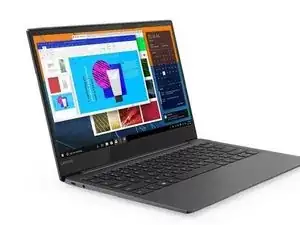
This guide shows you how to remove the battery of the Yoga S730 (Mine is an IML model but the IWL is the same). The yoga S730 was introduced in 2019 into Lenovo’s lineup. This was more targeted towards corporate use as it comes with certain keys like disable trackpad, microphone, and camera. For this, I have one with a dead battery so I don’t have to take lots of precautions but I recommend you do so if your battery still works.
Werkzeuge
-
-
Start by taking out your Torx T4/5 bit from your ifixit kit to do this. It's unfortunate companies like Lenovo have to use these kinds of screws
-
Unscrew the 9 Torx and t4 screws from the bottom.
-
-
-
after you have the back cover off you now have access to the battery and all the other components
-
To do so, use a phillips 00 bit to unscrew the 2 screws holding in the battery then remove the connector gently
-
-
-
Un-route the speaker wire as when it comes to pulling out the battery the speakers will get caught/possibly break if this isn't done.
-
After doing so, gently pry out the battery until it comes free
-
-
-
It may be wise to re-apply the thermal paste on the cpu as it'll help it's thermal performance. To do this, loosen the 4 screws around the cpu and 2 around the fan with a phillips 00 bit
-
To reassemble your device, follow these instructions in reverse order. Happy computing!
