Einleitung
If your phone's camera breaks or you would like to update it, this guide will show you how to install your phone's camera.
Werkzeuge

-
-
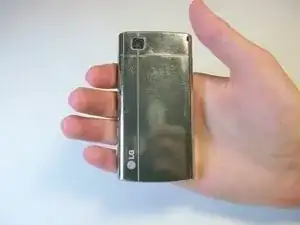
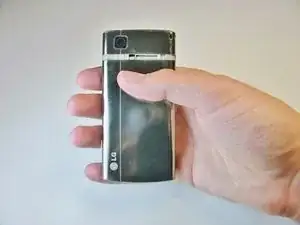
Place your thumb under the camera, apply a little pressure, and slide the cover toward the bottom of the phone.
-
-
-
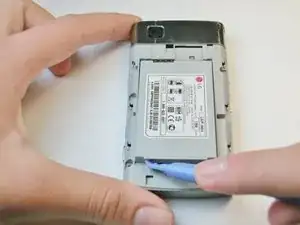
Place the plastic opening tool in the small slot in the bottom left-hand corner.
-
Pry the battery upward to remove it.
-
-
-
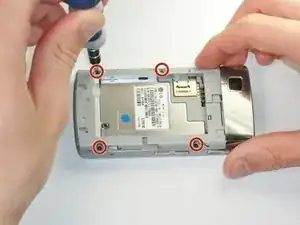
Using the #00 Philips screw driver, unscrew the four 4.5mm screws located on each side of the device.
-
-
-
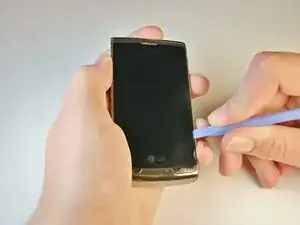
Wedge the plastic opening tool between the screen and the case.
-
Gently move the tool along the edge to loosen the screen from the casing. Repeat this for the entire outer edge of the screen.
-
-
-
Flip your phone over to the battery side.
-
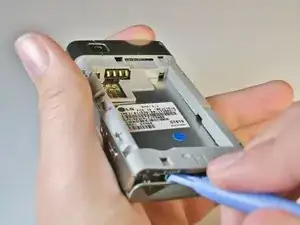
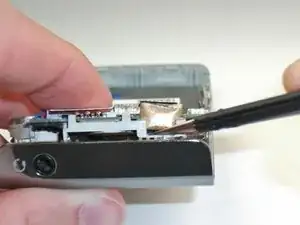
Insert the plastic opening tool into the lower seam between the frame and front cover to separate the back panel.
-
-
-
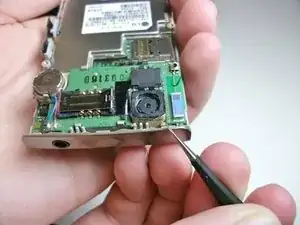
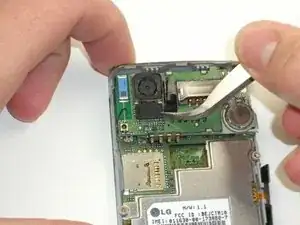
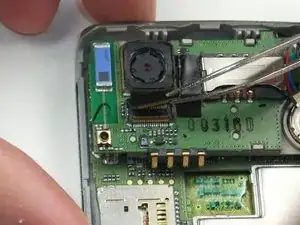
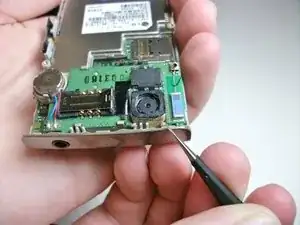
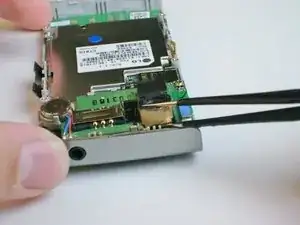
Locate the camera near the upper left-hand side and use the metal tweezers to detach the black tab.
-
To reassemble your device, follow these instructions in reverse order.
