Einleitung
Hier wird der Austausch der Ladebuchse gezeigt.
Werkzeuge


Ersatzteile
-
-
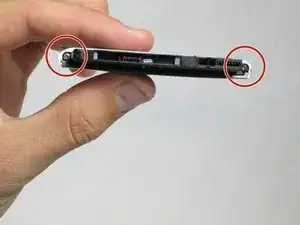
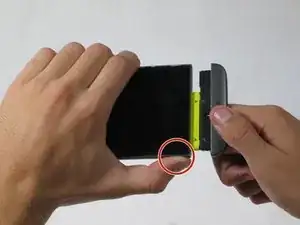
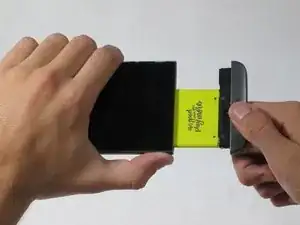
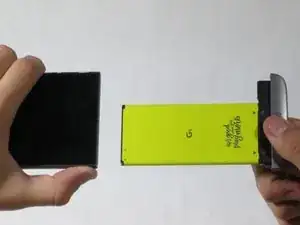
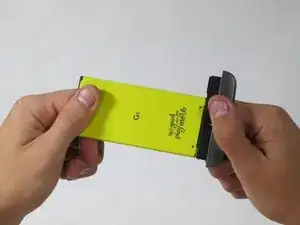
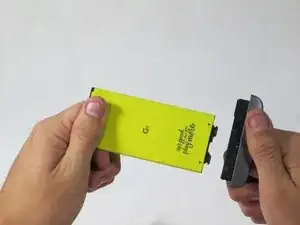
Drücke den Auslöseknopf für den Akku und ziehe gleichzeitig das untere Ende des Smartphones weg vom Gehäuse.
-
-
-
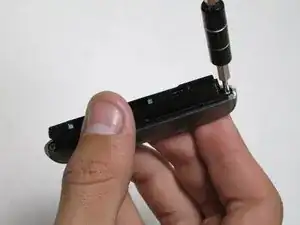
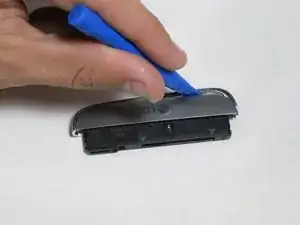
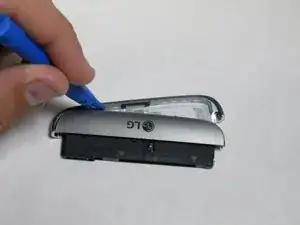
Setze ein Plastiköffnungswerkzeug in die untere Naht ein.
-
Hebele das Plastikteil ein wenig vom Rest ab.
-
-
-
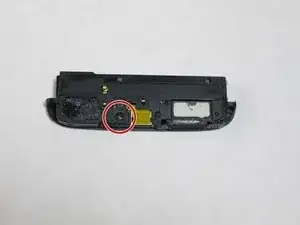
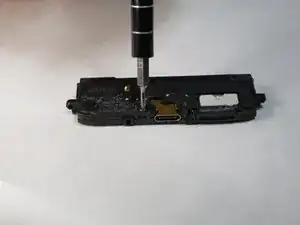
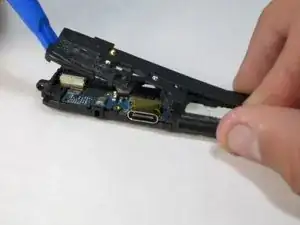
Setze das Plastiköffnungswerkzeug in die Trennfuge zwischen den beiden Kunststoffteilen ein.
-
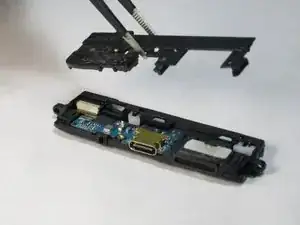
Hebele das obere Teil vom Rest ab.
-
-
-
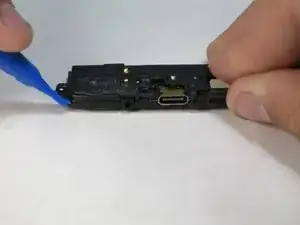
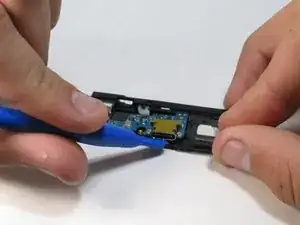
Setze das Plastiköffnungswerkzeug in den Spalt unter der metallenen Ladebuchse ein.
-
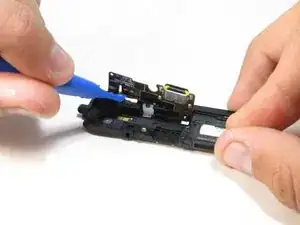
Hebele die Ladebuchse ab.
-
Um dein Gerät wieder zusammenzusetzen, folge den Schritten in umgekehrter Reihenfolge.

13 Kommentare
I would love steps to show not only pulling out the usb port, but also putting the new one in and re-assembly. Also maybe tips about things to avoid doing -- easy slip ups people make when doing it. Why replace just the usb port instead of the whole board assembly or instead of the entire bottom module? Thanks! Great pics
Anyone know how to bypass the "insert a supported module" error that comes up after changing the charging port?
Rene -
Do you solve the problem? Can you help me, please?
I need to do this repair on my phone, but Rene's comment worries me. Does this error message come up often? Can it be fixed?
Brad -