Einleitung
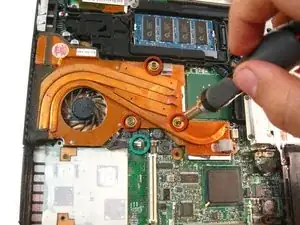
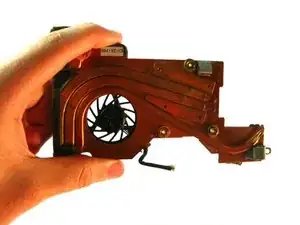
Replacing the fan.
Werkzeuge


-
-
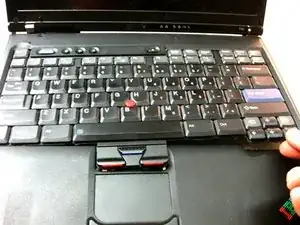
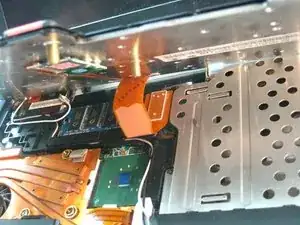
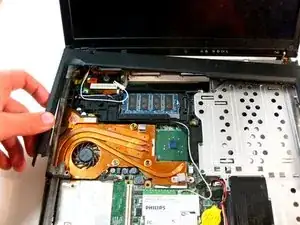
Carefully maneuver the palm rest away from the keyboard, as both the keyboard and palm rest/trackpad will come off together.
-
-
-
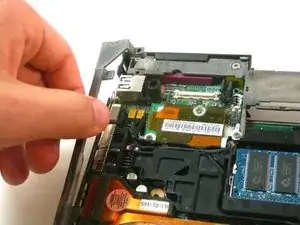
Starting from the bottom right, carefully remove off the bezel. Use a spudger or flat head screwdriver if needed.
-
-
-
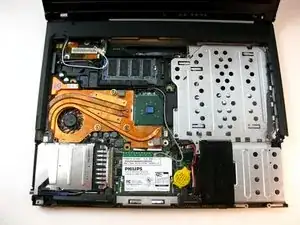
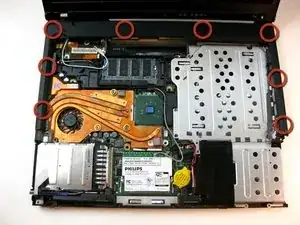
Unscrew the 3 screws on the copper heatsink.
-
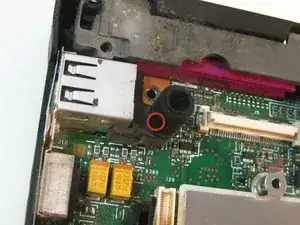
Now, unplug the connection to the motherboard..
-
Abschluss
To reassemble your device, follow these instructions in reverse order.

2 Kommentare
How about you just down the freely available Hardware Maintenance Manual (HMM) for the laptop. They are downloadable in PDF format, and very well done.
It doesnt take this much, if you remove the palm rest and keyboard you can get it at an angle it slides straight out.