Einleitung
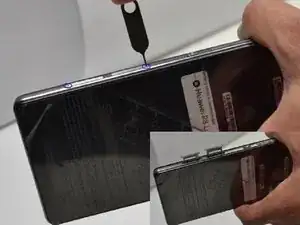
In this guide, instructions will be laid out to guide the replacement of the Huawei P8 Lite's front and rear facing cameras.


-
-
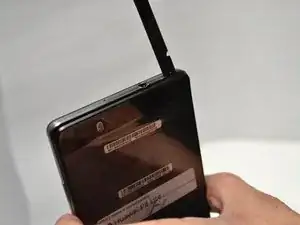
Remove the back cover. It is not fastened with screws or adhesive so it can be removed with your finger nails, spudger or other gentle tools.
-
-
-
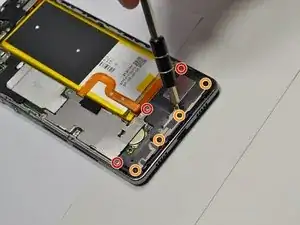
Use screwdriver from 54 Bit Driver Kit in order to remove screws. Be sure to separate the screws to avoid confusion.
-
PH000 Bit
-
T5 Torx
-
-
-
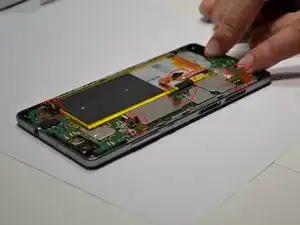
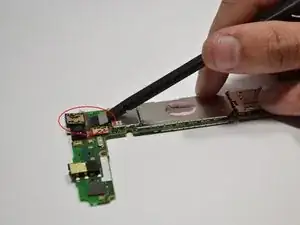
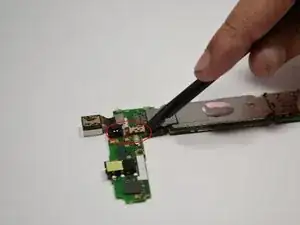
Remove the connectors attached to the motherboard. See the highlighted areas in the photos.
-
-
-
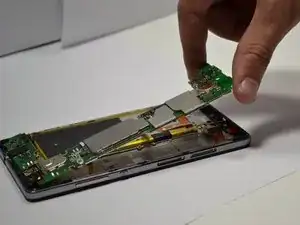
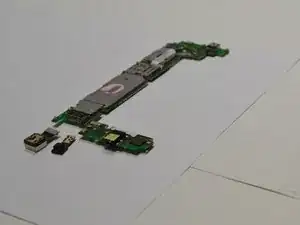
Remove the motherboard carefully.
-
Replace the motherboard. To replace the motherboard, do it in the reverse order as the teardown process.
-
Abschluss
To reassemble your device, follow these instructions in reverse order.