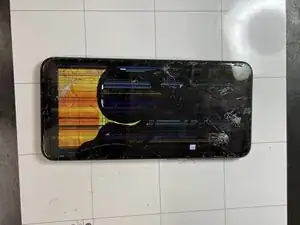
Einleitung
Werkzeuge


-
-
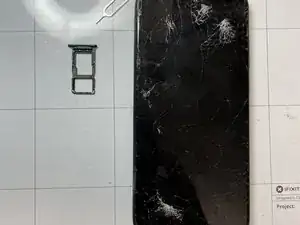
Turn off the phone and remove the SIM tray.
-
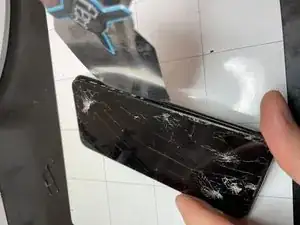
Use a thin opening tool to release the back cover along the perimeter.
-
-
-
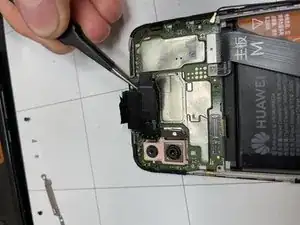
Remove the black adhesive tape.
-
Remove the white sticker to access the screw
-
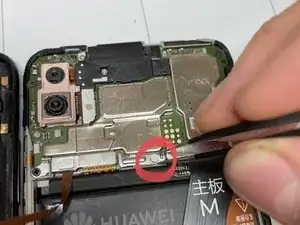
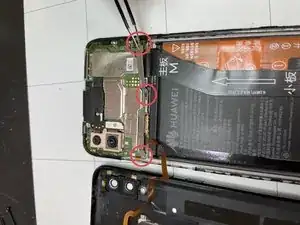
Remove the three screws holding the cover connectors.
-
-
-
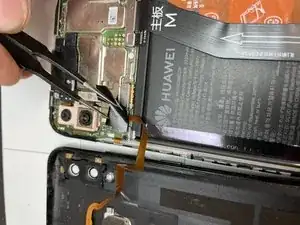
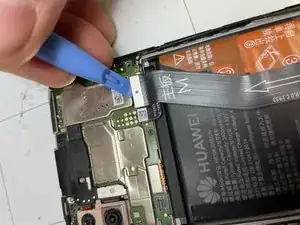
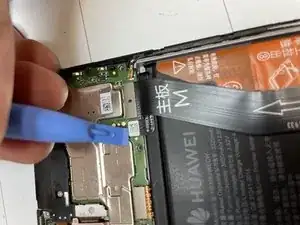
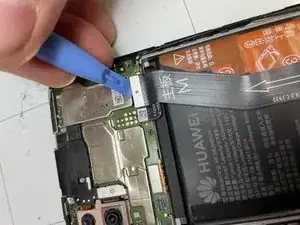
Unplug the display connector.
-
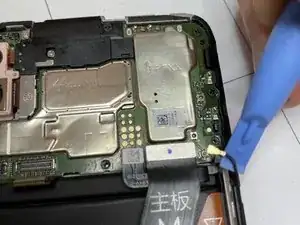
Unplug the battery connector.
-
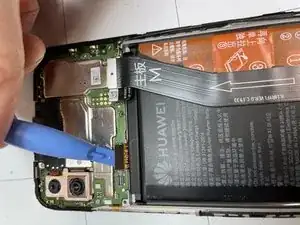
Unplug the connector of the lower logic board.
-
-
-
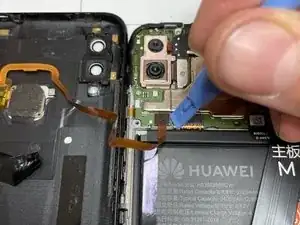
Unplug the antenna connector.
-
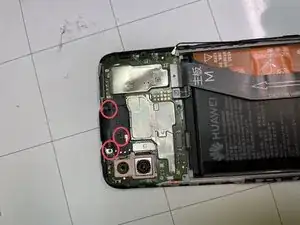
Remove the 3 screws that hold the bracket.
-
Remove the bracket.
-
-
-
Unplug the front camera connector and put it aside.
-
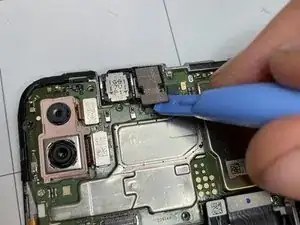
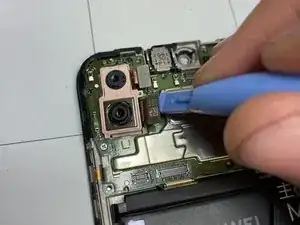
Unplug the two connectors of the rear cameras.
-
Remove the rear cameras.
-
-
-
Use a hair dryer to warm up the glue that holds the front speaker and remove it.
-
Use a hair dryer to warm up the glue that holds the front brightness sensors and remove them.
-
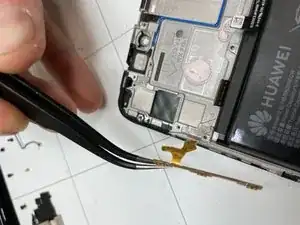
Use a hair dryer to warm up the glue that holds the power and volume buttons flex cable and remove it.
-
-
-
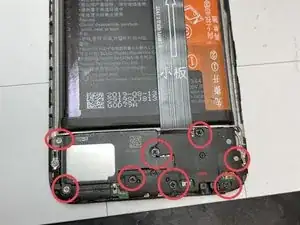
Remove the screws that hold the speaker and the cover of the lower logic board in place.
-
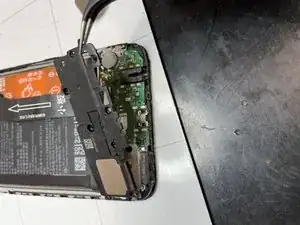
Remove the speaker and the cover.
-
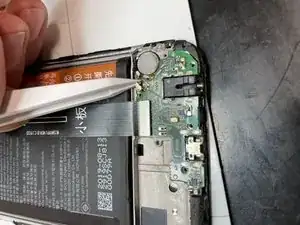
Unplug the cable.
-
-
-
Unhook the lower logic board and remove it.
-
Use a hair dryer/heat gun to warm up the glue that holds the vibration motor and remove it.
-
Use a hair dryer/heat gun to warm up the glue that holds the battery and remove it.
-
-
-
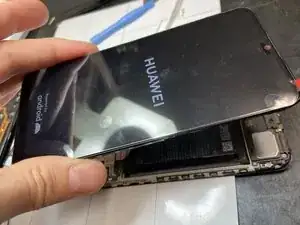
If you're replacing the display assembly with the frame already installed, you can move all the components on the new display.
-
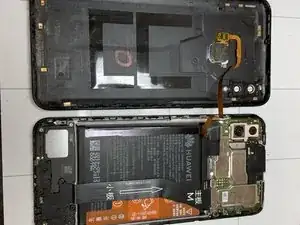
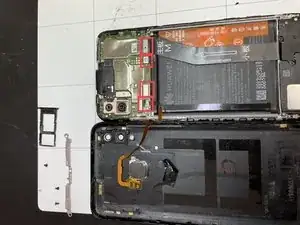
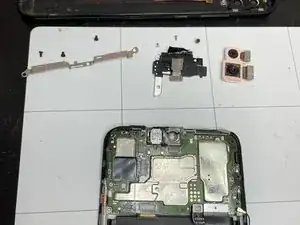
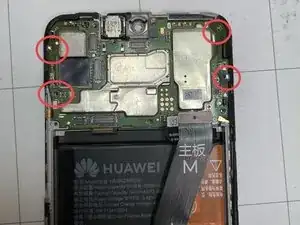
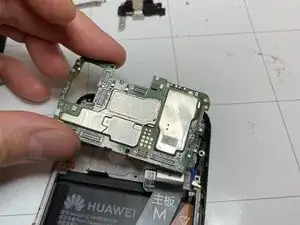
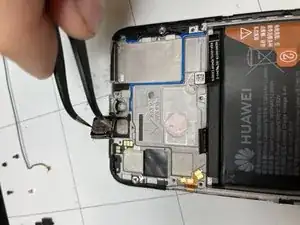
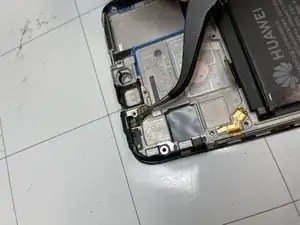
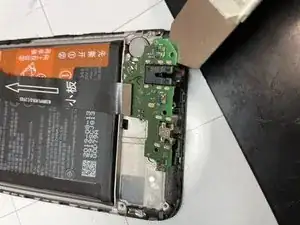
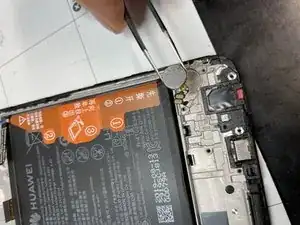
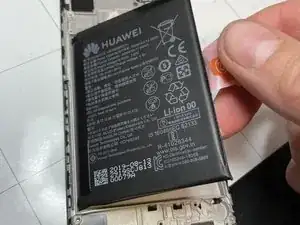
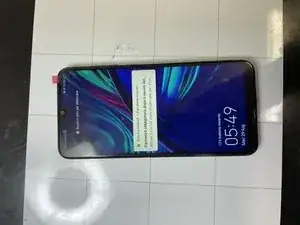
To reassemble the device, follow these instructions in reverse order.

5 Kommentare
Grazie, hai spiegato molto semplicemente i passaggi e grazie a te ora sono riuscito a sistemare il mio smartphone !
Top
ale89-71 -
Salve, dovrei sostituire un display completo di frame su un huawei p smart 2019, vorrei sapere esattamente quale colla usare per la scheda madre? Ho notato che nel vecchio frame ci sono due gocce di colla, che sembra pasta termica. Attendo una risposta
Ciao.quella che vedi non è colla ma ti confermo è pasta termica che serve per tenere a contatto le parti del processore,in questo caso cpu e gpu in contattato con L’ alluminio così che il calore si possa trasmettere ed essere dissipato.
se non hai della pasta termica puoi riutilizzare quella esistente che dovrebbe essere sufficiente,la togli dal vecchio frame e la metti sul nuovo,poi parte della pasta sarà rimasta già sulla scheda logica. Nel caso che la vuoi comprare cerca pasta termica si usa nei pc in genere,ma eviterei la spesa a meno che non rilevi problemi di surriscaldamento in seguito alla riparazione . Buon lavoro
Smilzo -
Buongiorno,
mi è caduto Huawei P Smart 2019, vetro tutto crepato, ma il touch funziona perfettamente.
Quindi consigli di cambiare solo il vetro? è difficile?
grazie
Ciao purtroppo vetro e display sono incollati insieme e conviene comprare tutto già assemblato possibilmente comprensivo di frame così non dovrai incollare niente ma soltanto spostare tutti i componenti sul nuovo corpo display ,così tornerà il telefono come nuovo.
buon lavoro
Smilzo -