Einleitung
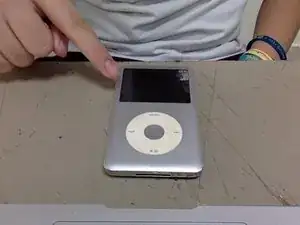
This tutorial will use how to enter DFU Mode if in case your iPod Classic needs to be restored. And how to restore iPod properly.
-
-
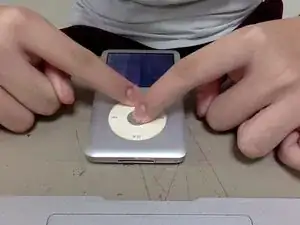
Hold the menu and the center button for about 8 seconds until you see the Apple logo. But keep holding when you see apple logo until it off.
-
-
-
Connect your iPod Classic into the computer and click continue. When you the the recovery message, click OK. And click on "Restore iPod" and wait until it finished restore.
-
Abschluss
After you restore, just sync your music, video or games into your iPod and enjoy. If it dosen’t work, try repeat again this guide.