Einleitung
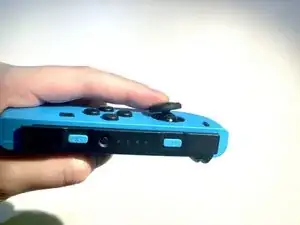
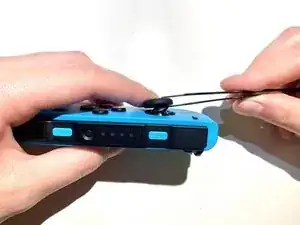
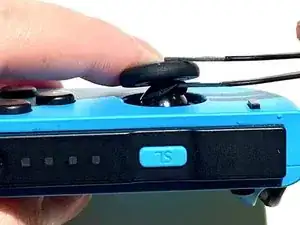
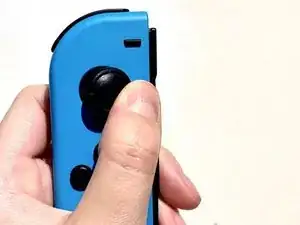
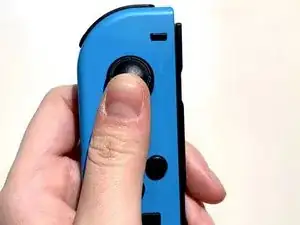
This guide introduces how to fix joy-con drift and not smooth problem. Joy-con with the use of time growth, easy to appear joystick drift phenomenon, this method does not need to disassemble the joy-con.
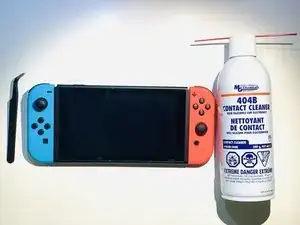
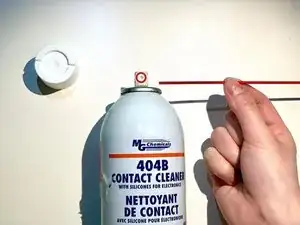
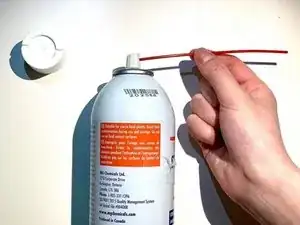
Before using this guide, you need a 404B contact cleaner and a tweezers to solve the joy-con because of dust and hair caused by the drift phenomenon, and this method will not corrode the joy-con internal electronic parts.
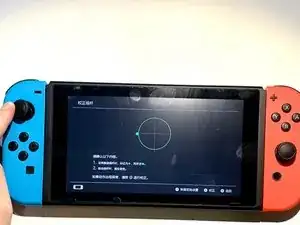
Before beginning, you can enter the system settings and select controllers and sensors and then select calibrate control sticks to know whether there is joy-con drift.
Werkzeuge

-
-
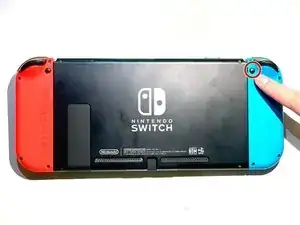
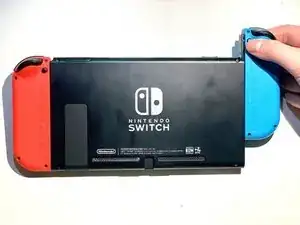
Press and hold the black round button on the back of the Joy-Con, then slide it forward to remove.
-
-
-
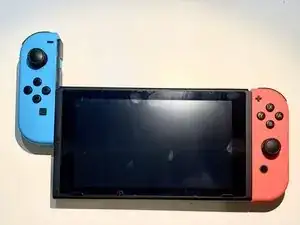
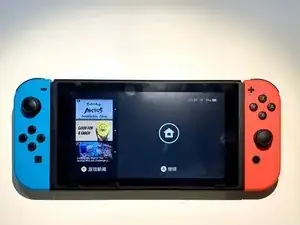
Insert the Joy-Con back into the Switch to test the Joy-Con.
-
Navigate to System Settings > Controllers and Sensors > Calibrate Control Sticks.
-
Follow the on-screen prompts on your Switch.
-
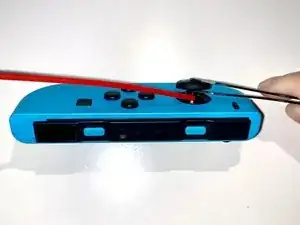
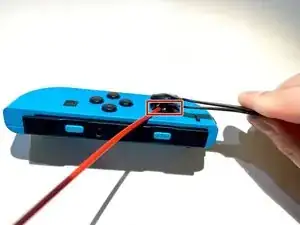
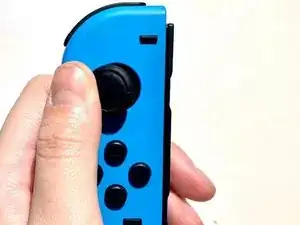
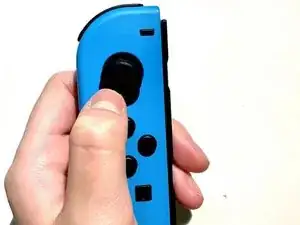
Enjoy your Joy-Con being able to work properly again!
