Einleitung
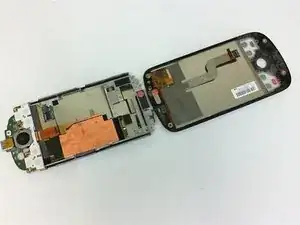
This guide describes the steps to separate the HTC myTouch motherboard from the glass screen for replacement or repair. This guide will require you to unscrew a T5 Torx screw with a VOID label. Unfastening this screw will void any warranty the phone may have.


-
-
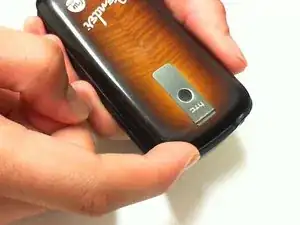
Press both thumbs on each side of the upper corners, and apply pressure in a downward motion.
-
While applying pressure, slide the back cover down.
-
-
-
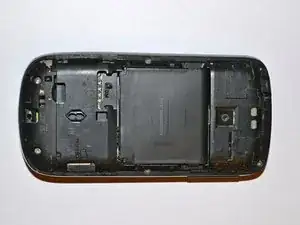
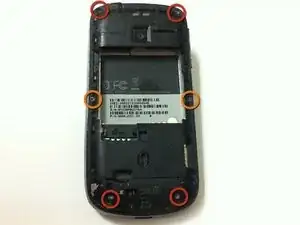
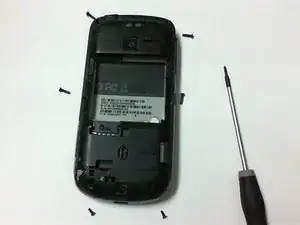
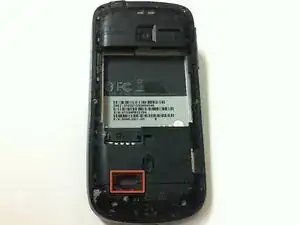
Remove the four 6 mm T5 Torx screws from the four corners on the back of the phone.
-
Remove the two 4 mm T5 Torx screws from the middle of the back of the phone.
-
-
-
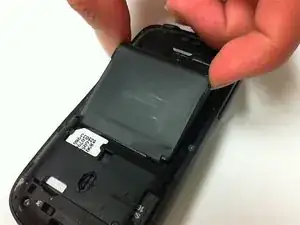
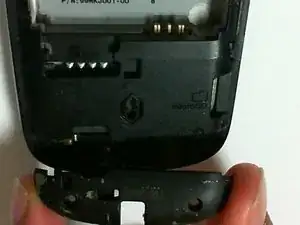
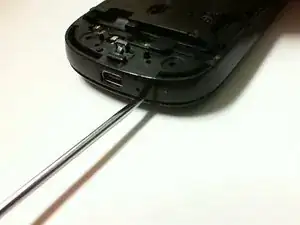
Insert a spudger into the slit between the frame and cover, and push downward to dislodge the back plate from the phone.
-
Use the spudger to go around the edges of the phone to further dislodge the back plate.
-
-
-
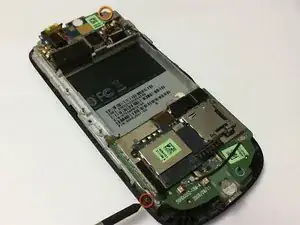
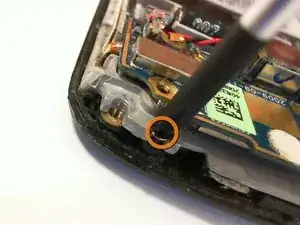
Remove the 3 mm Phillips screw located on the side of the bottom left-hand corner of the phone.
-
Remove the 3 mm Phillips screw located on the top right-hand corner of the phone.
-
-
-
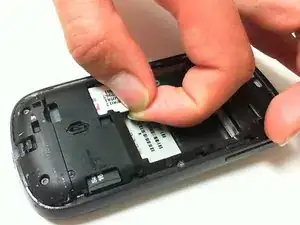
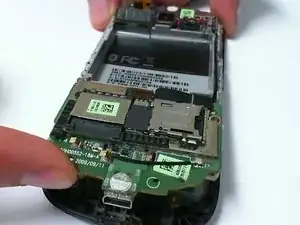
Place a finger between the circuit board and front cover, and lift up gently.
-
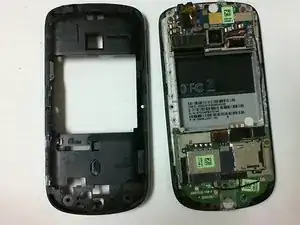
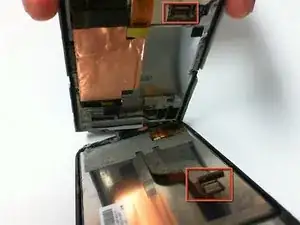
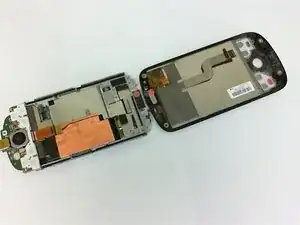
Separate the circuit board from the front cover and screen to detach the ribbon cable holding them together.
-
Finish separating the circuit board from the front panel.
-
To reassemble your device, follow these instructions in reverse order.
