Einleitung
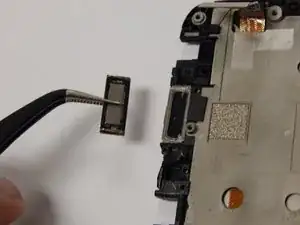
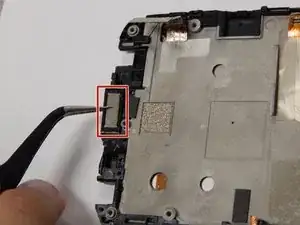
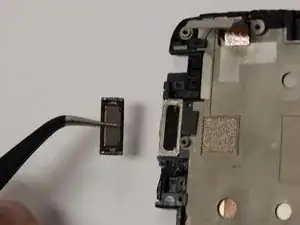
If your top speaker doesn't work then replacement may be the best option.


-
-
Power off your device.
-
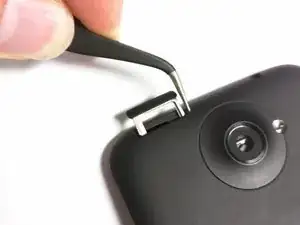
Insert a pin, paper clip, or very small piece of metal into the hole next to the micro sim card holder to remove it.
-
-
-
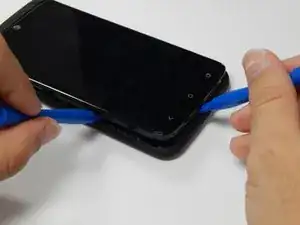
Using plastic opening tools, pry open the bottom of the device first.
-
You will hear clicking sounds as the sides of the device detach from the screen.
-
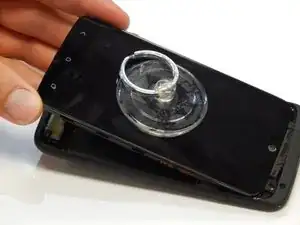
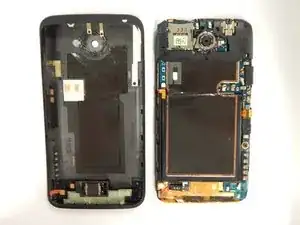
Once both sides are detached use the suction cup tool to remove the screen completely from the black encasing.
-
-
-
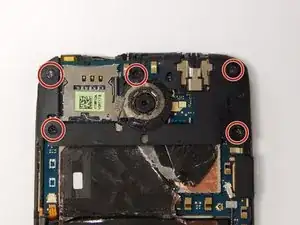
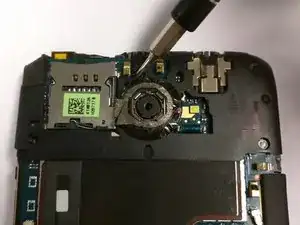
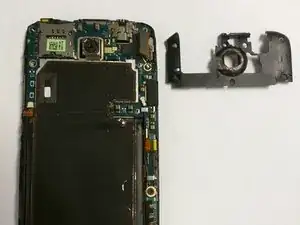
Remove the five 2.4mm screws using a Philips head screw driver and then remove the plastic cover.
-
-
-
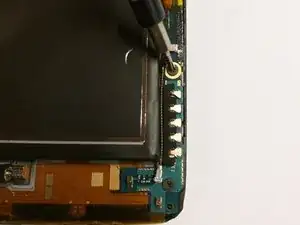
Use the J000 Philips screw driver head to remove the screws.
-
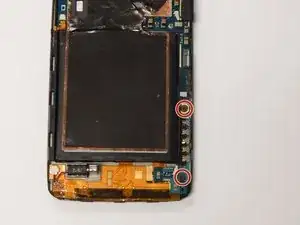
Two 3.4mm Philips head screws
-
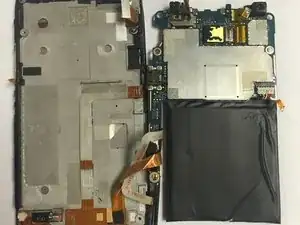
Remove the PCB board and antenna.
-
-
-
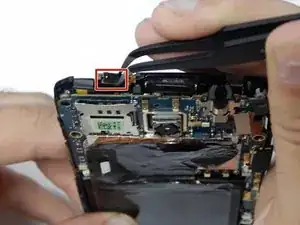
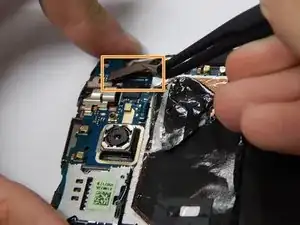
Use tweezers to disconnect the power button flex cable.
-
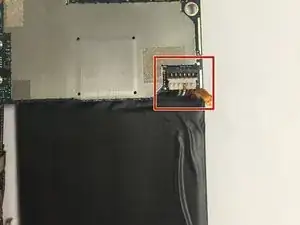
Disconnect the touch screen flex cable.
-
-
-
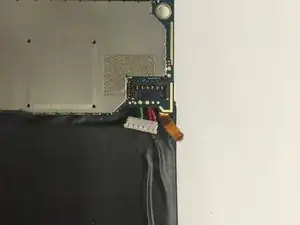
Disconnect the battery from the logic board.
-
Six pin connector
-
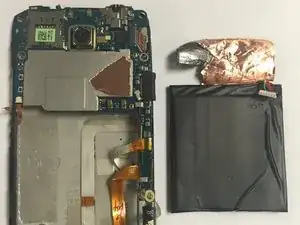
Remove the battery by pulling upwards.
-
To reassemble your device, follow these instructions in reverse order.
