Einleitung

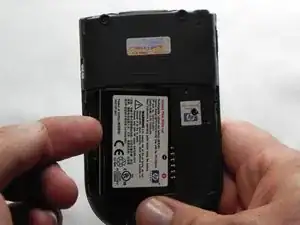
This guide will illustrate how to correctly remove and replace the battery of the iPAQ h4155.
  1. Upv2uOgRofWIZLid
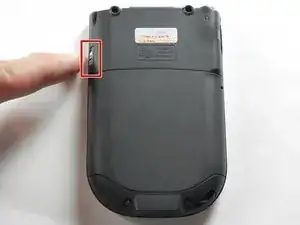
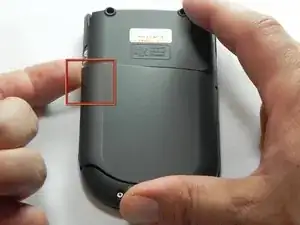
    • Slide the silver release tab up and simultaneously lift the cover up from the left side.

  2. HDprHUJ2VGQyPJNX
    • Push the tab from left to right to remove the cover.

  3. WRiwBpkNWER5SSxE
    • Now lift the battery up and away from the device to remove it.

Abschluss

To reassemble your device, follow these instructions in reverse order.

John Pagliero

Mitglied seit: 27/01/11

942 Reputation

0 Kommentare