Einleitung
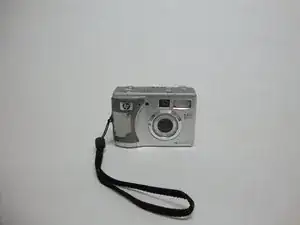
This guide will teach you how to install a new case on your HP Photosmart 935 camera. If your camera case is cracked or starting to come apart, this guide will help you replace it with a new one.
Werkzeuge

-
-
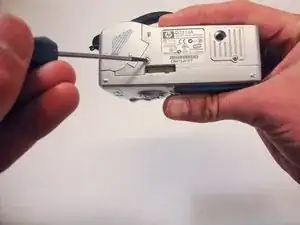
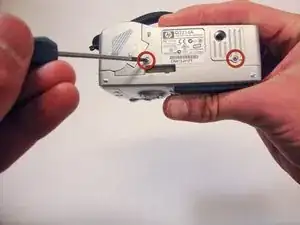
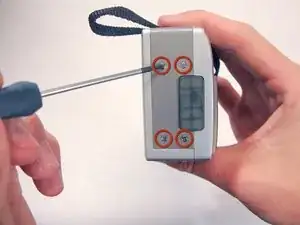
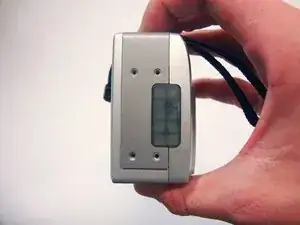
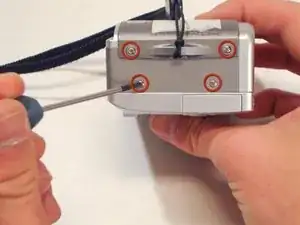
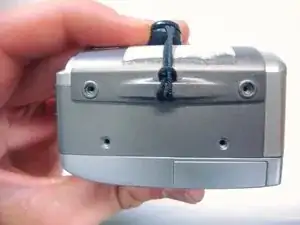
Using a Phillips #00 screwdriver, remove the two 4.70mm screws in the bottom of the plastic casing.
-
-
-
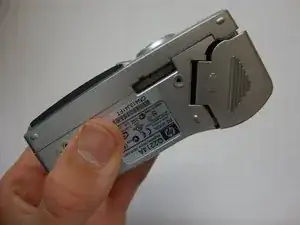
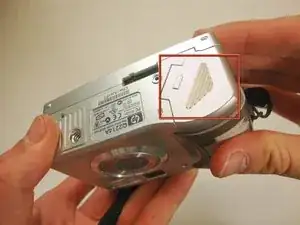
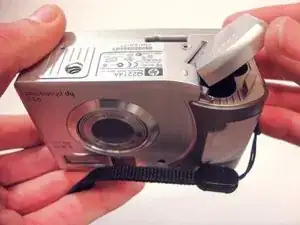
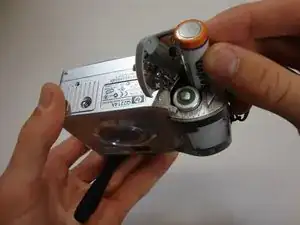
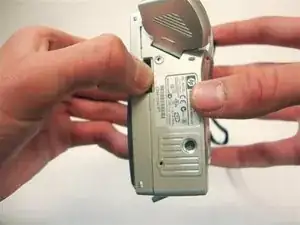
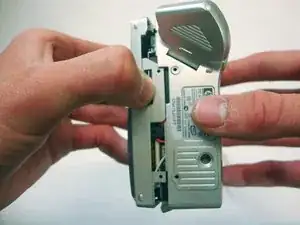
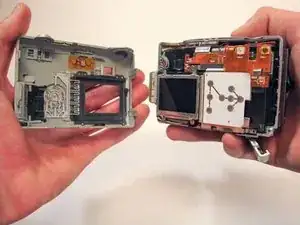
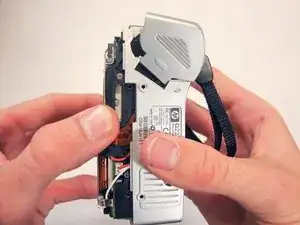
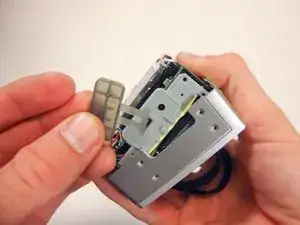
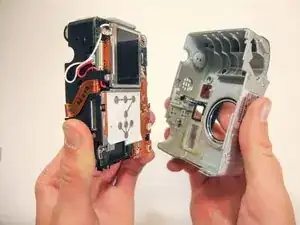
Pull the bottom half of the inner camera out of the case by half an inch. This may be difficult and require some force.
-
Abschluss
To reassemble your device, follow these instructions in reverse order.
