Einleitung
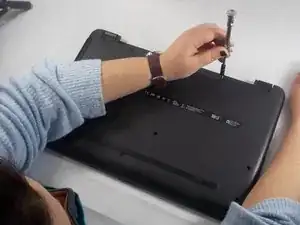
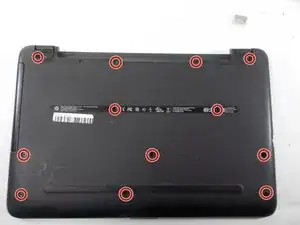
This guide shows you how to remove the back cover of the computer and is necessary for most component replacement guides.
Werkzeuge


-
-
Push the slider with a battery symbol to the left to push the battery out slightly.
-
Pull the battery out fully now that it is released.
-
-
-
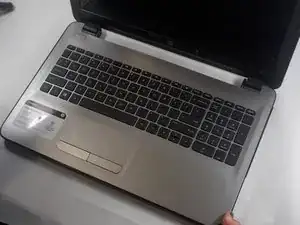
Turn the laptop over and open the lid.
-
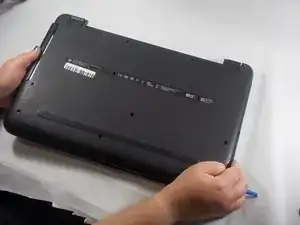
Use an opening tool to pry the bottom cover from the body of the laptop.
-
-
-
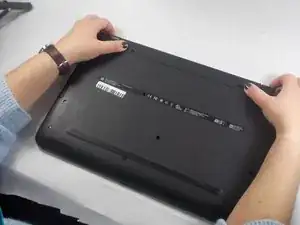
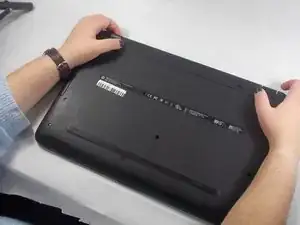
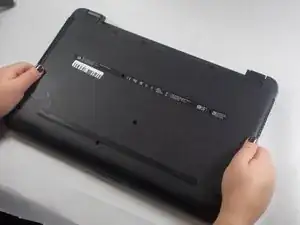
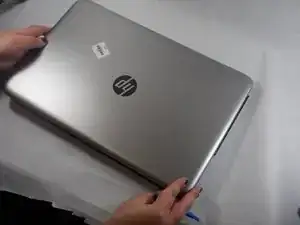
Close and turn over the laptop again.
-
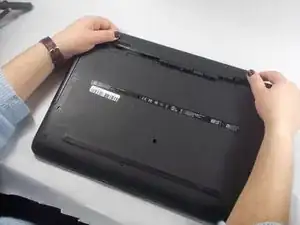
Pull the back cover up to remove it from the laptop.
-

Abschluss
To reassemble your device, follow these instructions in reverse order.