Einleitung
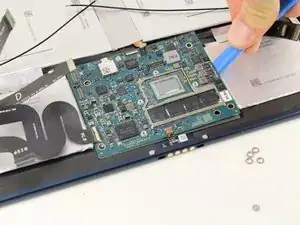
The Google Pixel Slate motherboard is a unique piece of engineering and might need to be replaced if it has been damaged.
There are no special skills needed to replace the motherboard, As long as the user knows how to use a small screwdriver and tweezers.
Be sure to power off the device and unplug it from the power cord prior to beginning the repair.


-
-
Orient the Google Pixel Slate so that the screen is facing upwards.
-
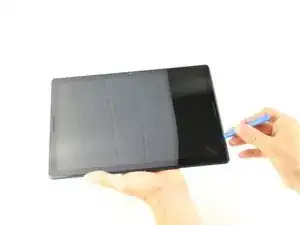
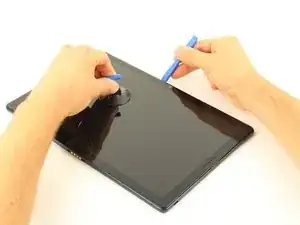
Use the iFixit opening tool to separate screen from main body.
-
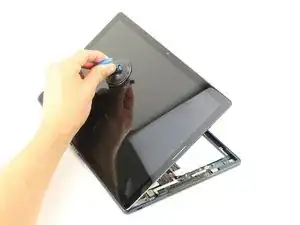
Use the suction cup to remove the screen from the body of the device.
-
-
-
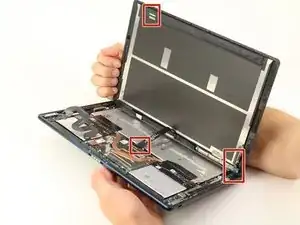
Gently disconnect the three flat-wires from the screen.
-
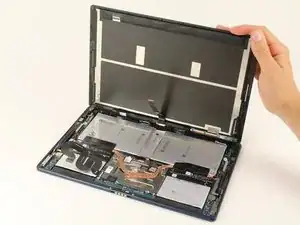
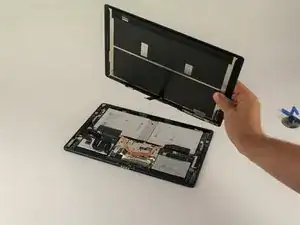
Carefully separate and remove the screen from the body of the device.
-
-
-
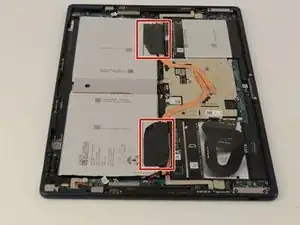
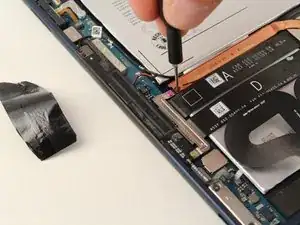
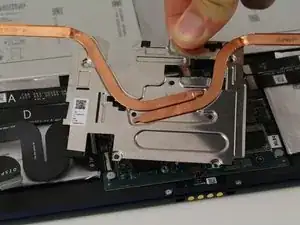
Use a T3 Torx screwdriver to remove the two black screws that are holding down the copper strip.
-
-
-
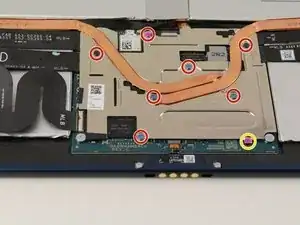
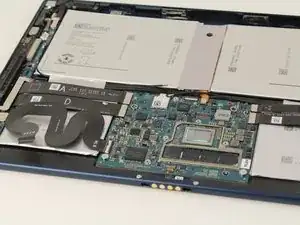
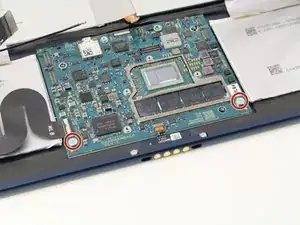
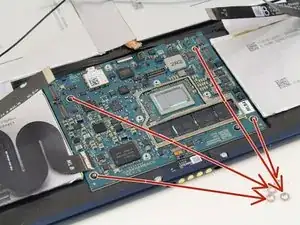
Use the T3 Torx screwdriver to remove the seven 3mm screws.
-
Use a T2 Torx screwdriver to remove the pink 2mm screw closest to the edge.
-
-
-
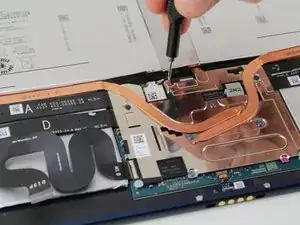
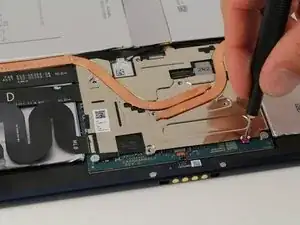
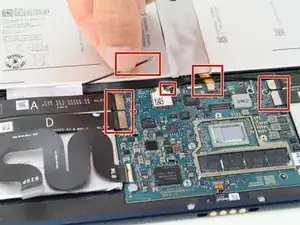
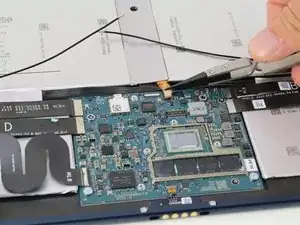
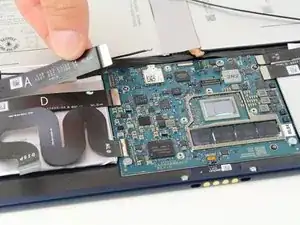
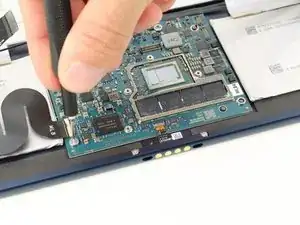
Remove the two speaker plugs, one battery plug, and disconnect the four flat wires from the motherboard.
-
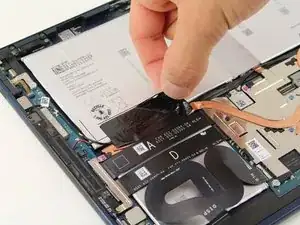
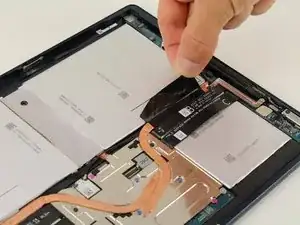
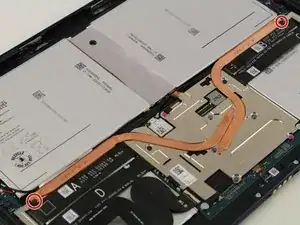
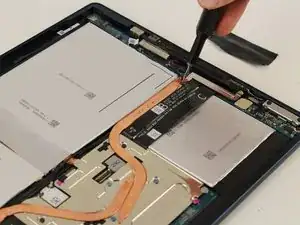
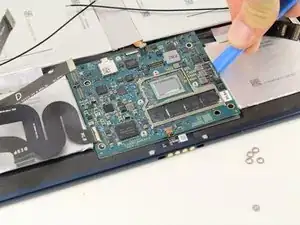
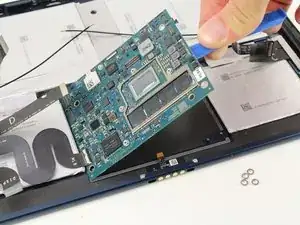
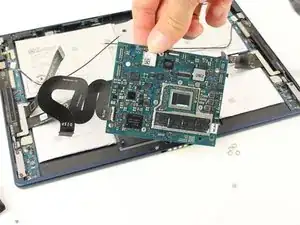
To reassemble your device, follow these instructions in reverse order.

Ein Kommentar
Very helpful, nice and clear steps.
The tool and suction does not work for me. The adhesive is too strong.
beep -
It’s so easy to crack the screen here. I recommend using heat to soften the bond and avoid cracking the screen. Ideally a heating pad ($$$), but a heat gun or hair dryer also does the trick. I’ve seen a temperature range of 80-90 C (matching specs from a heating pad). I heated a pizza stone to temperature to make a homemade heating pad. That worked to soften the adhesive here.
beep -