Einleitung
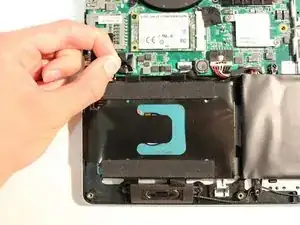
The hard drive stores some of the computer's files and has limited space. Replacement of the hard drive is necessary if it is broken or there is no space left.
Make sure you are grounded before starting. To ground yourself, simply touch a metal object that is in contact with the floor for a few seconds.
Werkzeuge

Ersatzteile
-
-
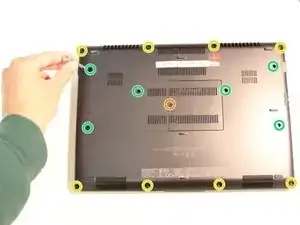
Remove all 15 marked screws on the underside of the laptop using a #0 screwdriver.
-
x1 9.8mm Screw
-
x8 5.6mm Screws
-
x6 5.0mm Screws
-
-
-
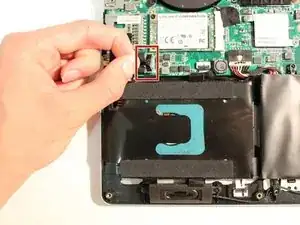
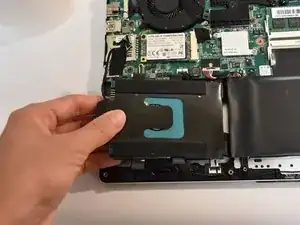
Pull the marked tab straight up away from the board to disconnect the hard drive from the board.
-
To reassemble your device, follow these instructions in reverse order.

Ein Kommentar
Hi.
Can you please show me how to remove the back cover on the gigabyte sabre 17 laptop?
Need to change the hdd but cannot open the back.
Thank you.
Rizwan -