Einleitung
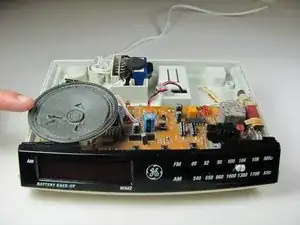
This guide is to replace the speaker located inside the phone base


-
-
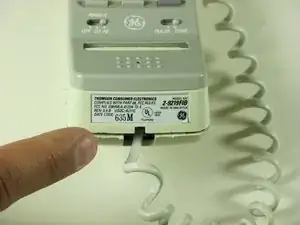
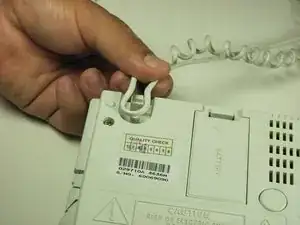
Using a plastic opening tool, remove the phone cord from the phone jack from the base of the headset.
-
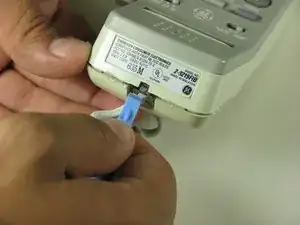
To release the cable gently, press down on the top plastic tab of the connector.
-
-
-
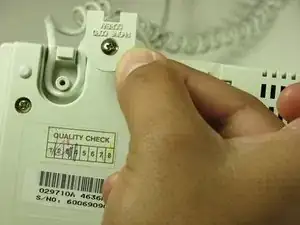
Remove the phone cord screw cap.
-
Unscrew the 7.5mm screw.
-
Remove the screw cap.
-
Pull up the phone cord to remove from the base.
-
-
-
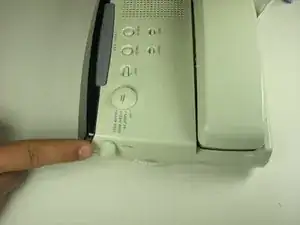
Locate the volume dial on the right side of the telephone.
-
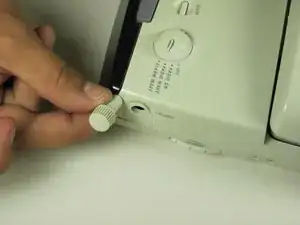
Remove the volume dial by gently grasping the dial and pulling away from the base.
-
-
-
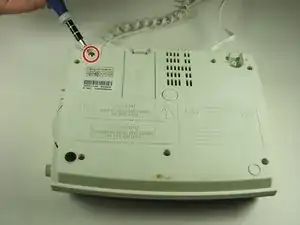
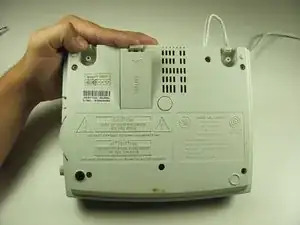
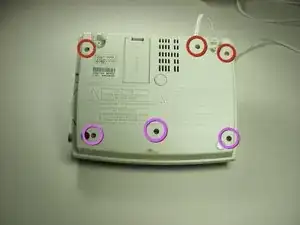
Remove the six screws from the base shell located on the back of the device.
-
Remove the three 12mm screws with the Philips head #1 screw driver.
-
Remove the three 18mm screws with the Philips head #1 screw driver.
-
-
-
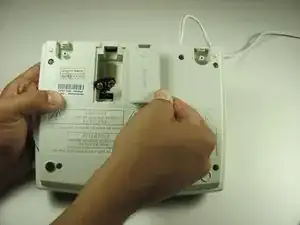
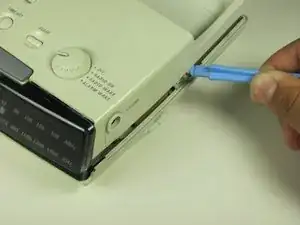
Pry off the base shell using a plastic opener tool.
-
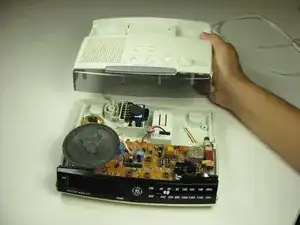
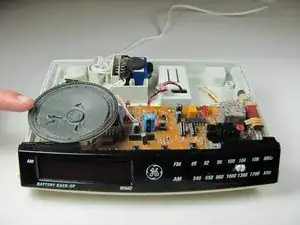
Set shell aside and you now have access to the internal components of the General Electric Telephone 2-9710A.
-
-
-
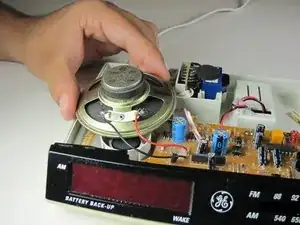
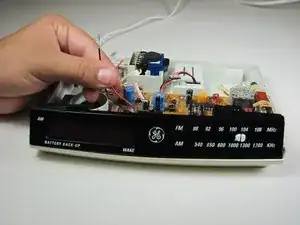
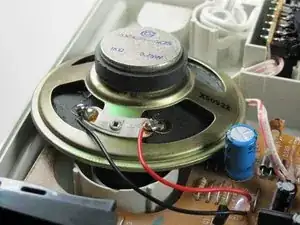
Slightly pull out speaker.
-
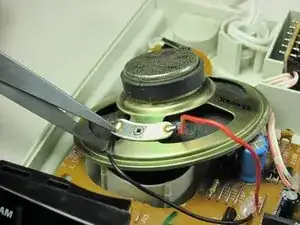
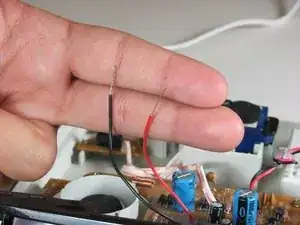
Cut wire as close as speaker as possible with wire cutters.
-
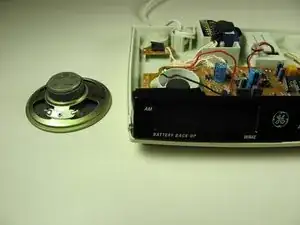
Remove speaker.
-
To reassemble your device, follow these instructions in reverse order.
