Einleitung
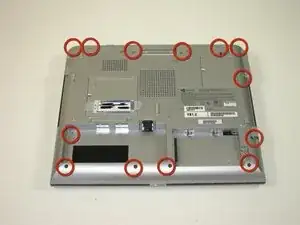
removal of top case
Werkzeuge


-
-
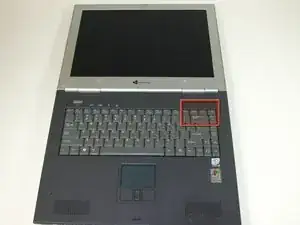
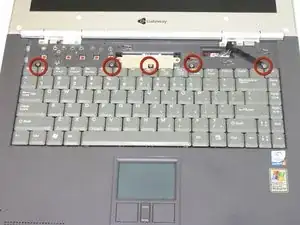
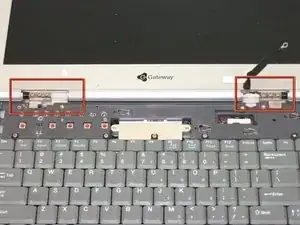
Insert the spudger between the "sysrq" and "ins" keys.
-
Gently lift the power button panel from the right to left.
-
-
-
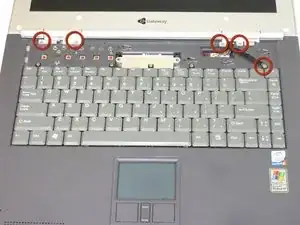
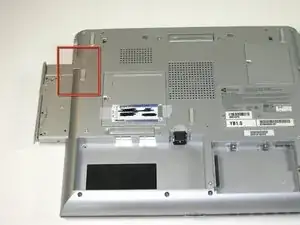
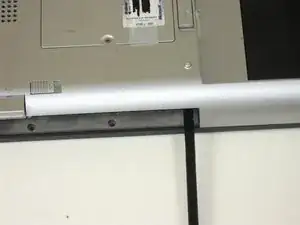
Insert spudger between upper and lower case at drive bay closest to battery.
-
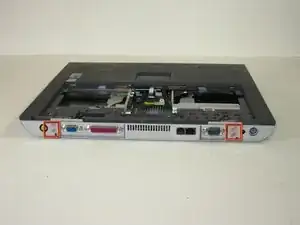
Carefully and slowly go arount entire case unseating all plastic clips holding upper to lower.
-
-
-
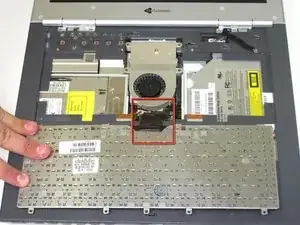
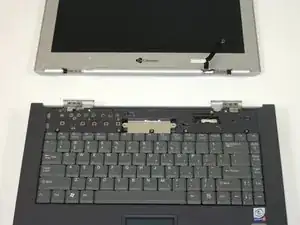
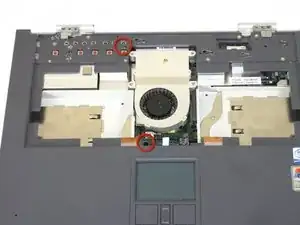
Lift upper case free about 1/4 inch
-
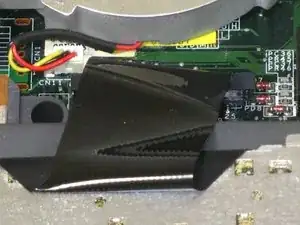
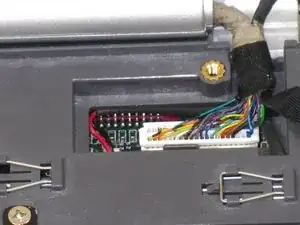
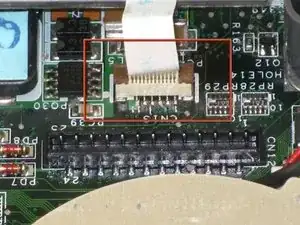
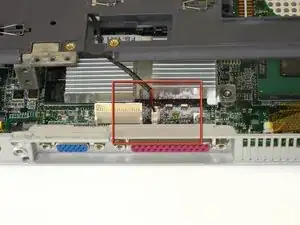
At rear of case is one last connecting wire. Unplug and remove upper case
-
Abschluss
To reassemble your device, follow these instructions in reverse order.
