Einleitung
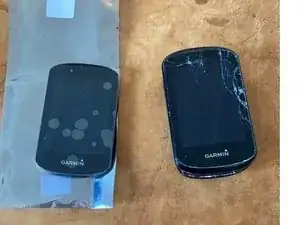
Here you can find, how to replace the Display of an Garmin 830
-
-
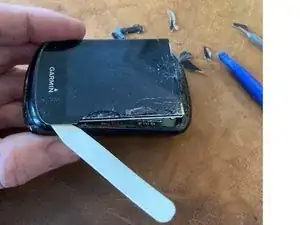
The screen is bonded in. you can get it out with heat like common smart phone displays
-
In my case, I forced it out with the shown plastic tools, as it anyway was broken
-
-
-
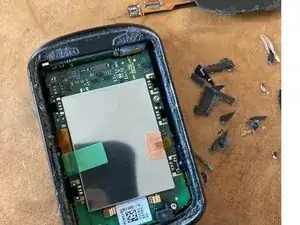
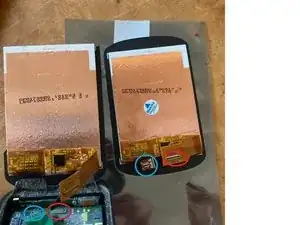
connect the 2 different FPCs. Blue to blue and red to red circle.
-
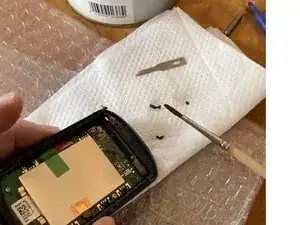
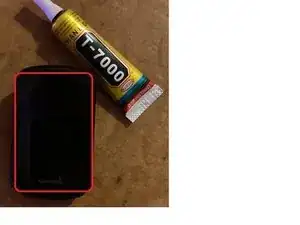
glue and seal the display. In this case T-700 was used
-
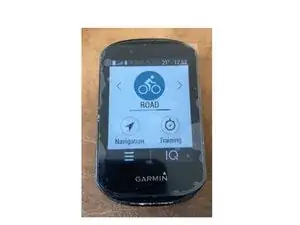
let it set, you're done!
-
Abschluss
To reassemble your device, follow these instructions in reverse order.