Einleitung
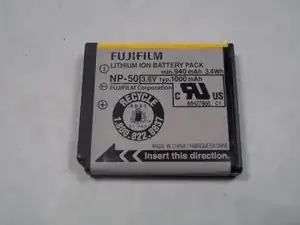
Ersatzteile
-
-
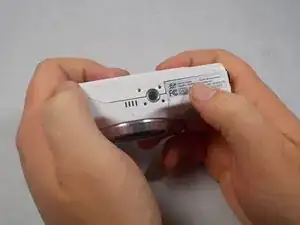
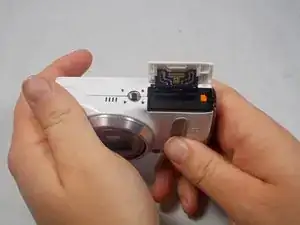
Hold the camera upside down with your right thumb on the battery chamber cover.
-
The lens should be be facing your body.
-
-
-
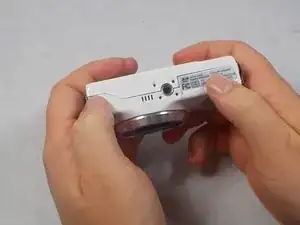
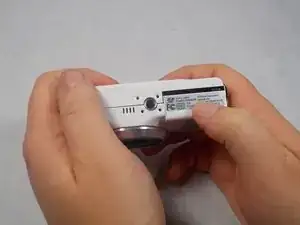
While holding the camera, pull the battery chamber cover towards your body with your right thumb.
-
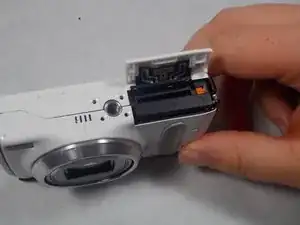
Once you pull the cover all the way out release it, this will reveal the battery.
-
-
-
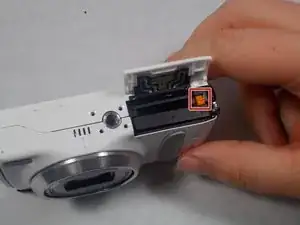
There is an orange battery latch that holds the battery down in place, with your finger push that latch away from you and this will release the battery.
-
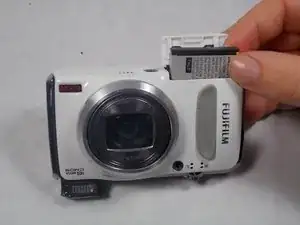
Once the battery is released grab the battery with your right thumb and pointer finger and remove it from the battery chamber, try putting it on a charger, if that is not the problem then a replacement battery is necessary.
-
Abschluss
To reassemble your device, follow these instructions in reverse order.
