Einleitung
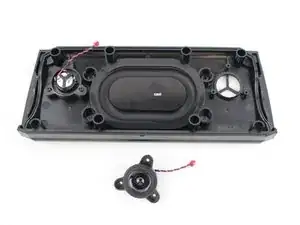
This guide will show you how to remove and replace the speakers.


-
-
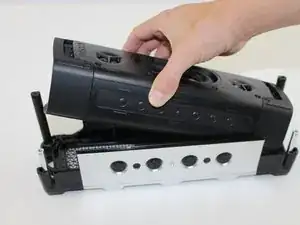
Pull out the device from the external case.
-
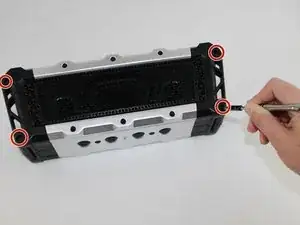
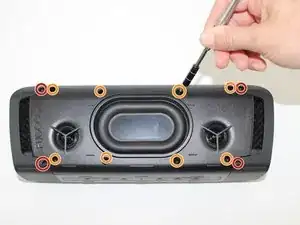
Unscrew all 12mm T Head screws using a T10 screwdriver.
-
Unscrew all 6mm T Head screws using a T10 screwdriver.
-
-
-
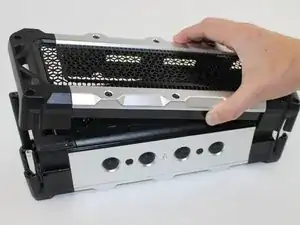
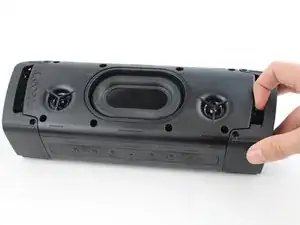
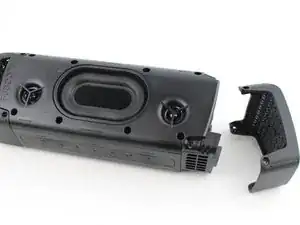
Gently remove the side plates by using your hands to pull off.
-
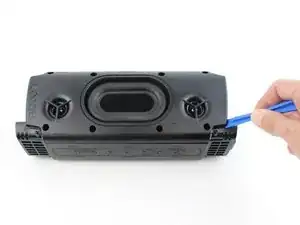
Use plastic opening tool to pry off the back plate.
-
-
-
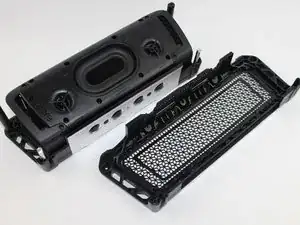
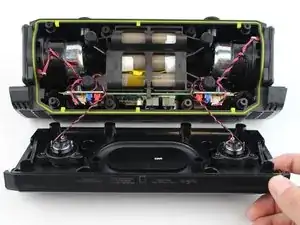
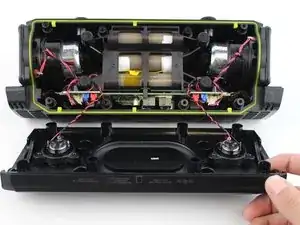
Pull apart the front casing from the back casing, slowly. Try to avoid any tension on any of the connected cables.
-
-
-
Carefully untangle the wires that are connected from the speaker to the motherboard.
-
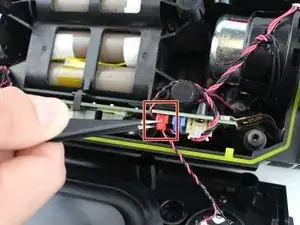
Using a tweezer, pull downwards on the base of each red speaker connector to remove them from the motherboard.
-
-
-
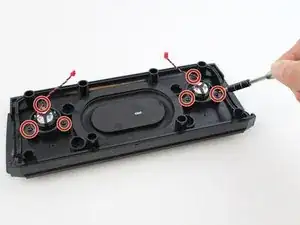
Use a #3 Hex screwdriver to unscrew all six 3mm screws."
-
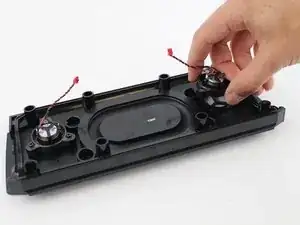
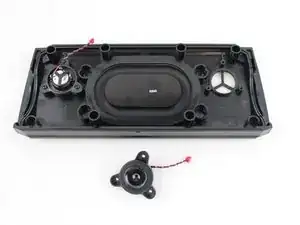
While holding the case with one hand, pull up on the speaker you wish to replace.
-
To reassemble your device, follow these instructions in reverse order.
