Einleitung
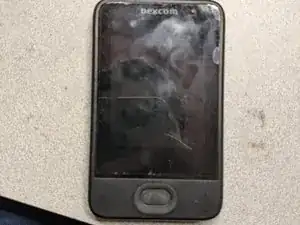
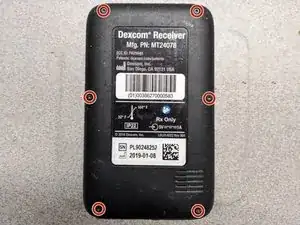
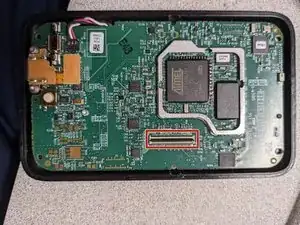
This guide will show you how to disconnect the display and display frame from the motherboard
Werkzeuge


-
-
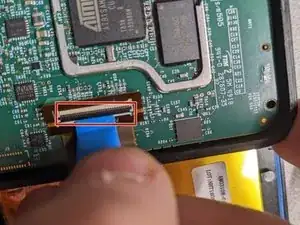
Use a spudger to lift up the screen assembly ribbon cable flap, then remove the ribbon cable.
-
Abschluss
To reassemble your device, follow these instructions in reverse order.