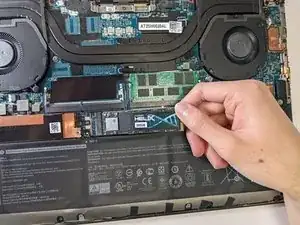
Einleitung


-
-
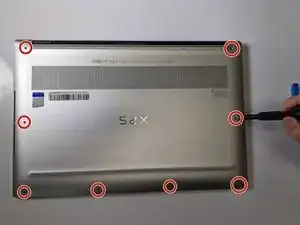
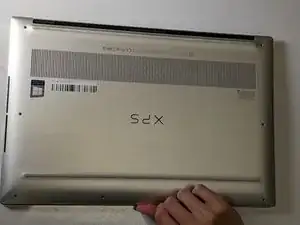
Gently wedge an opening tool in the gap between the base panel and chassis, and pry vertically around the perimeter until it releases from the chassis.
-
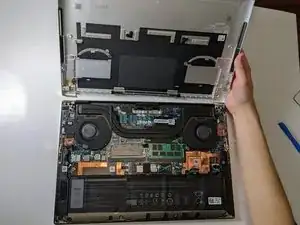
Lift the base panel up and away from the chassis.
-
-
-
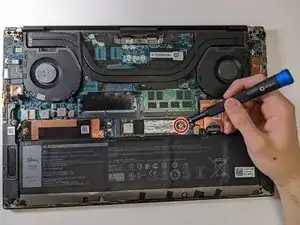
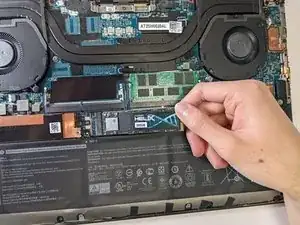
Use a Phillips #000 screwdriver to remove the single 3.0 mm screw on the right side of the SSD.
-
-
-
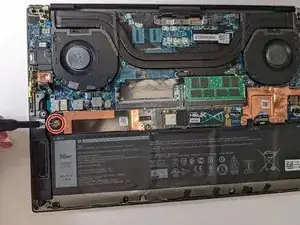
Use a Phillips #000 screwdriver to remove the one 3.0 mm screw on the left side of the SSD slot.
-
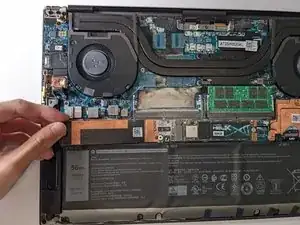
Pull the cover out directly toward the left.
-
Abschluss
To reassemble your device, follow these instructions in reverse order.