Einleitung
Ersatzteile
-
-
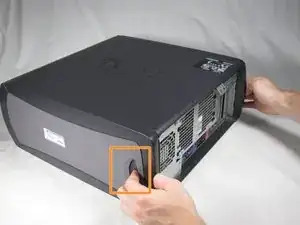
Lay the Dell Optiplex GX260 down on a clean flat surface with the rear towards you.
-
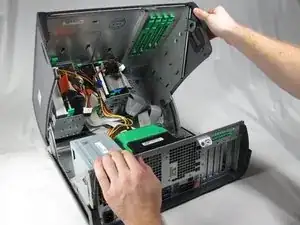
Push the oval shaped buttons located on the top and bottom of the PC simultaneously and lift the case straight up.
-
-
-
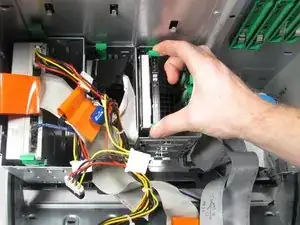
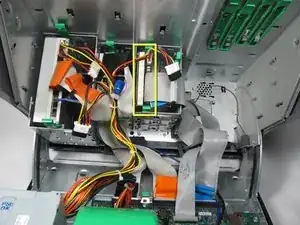
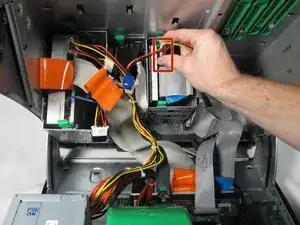
Identify the Hard Drive in the case.
-
Remove the power cable from the hard drive by squeezing the side tabs in and pulling gently.
-
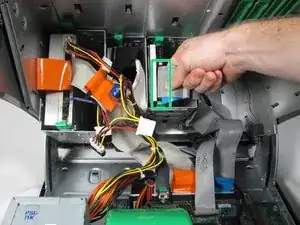
Remove the IDE cable from the hard drive by gently pulling the ribbon cable out.
-
Abschluss
To reassemble your device, follow these instructions in reverse order.

cool de faires des sites comme ca :)
baptiste Prando -
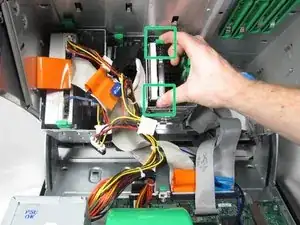
Excellent - Only comment - do the the green brackets come with a new hard drive or should I leave them inside the case for the next owner - Removing to donate to recycling
sheila_jones -