Einleitung

Looking to upgrade your memory? Use this guide to upgrade or replace the RAM on your Dell Latitude E6510.

Werkzeuge

  1. 41ClZmhMZ5ooZJQn
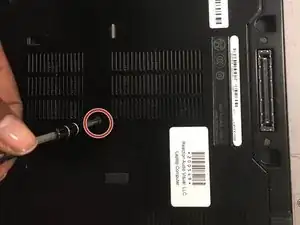
    • Use a J1 screwdriver to remove the 8mm screw on the bottom cover.

  2. VAdculmL4uoACdYC
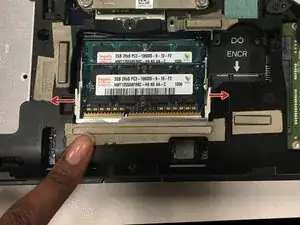
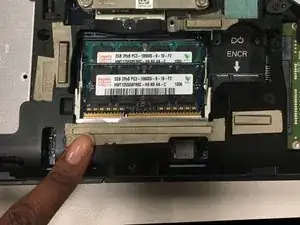
    • Unclasp and pull the memory card up.

    • Be careful when unclasping and releasing the memory card. Clasps are fragile.

Abschluss

To reassemble your device, follow these instructions in reverse order.

Kolin Doyle

Mitglied seit: 06/11/17

500 Reputation

0 Kommentare