Einleitung
Step by step instructions on how to locate and remove screws and parts of the device to locate the screen, remove it, replace it with a new one, and put the device back together.


Ersatzteile
-
-
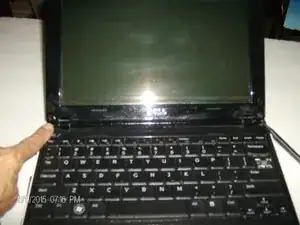
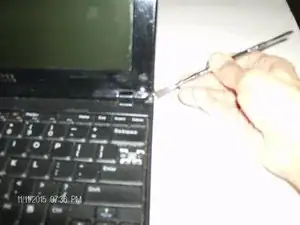
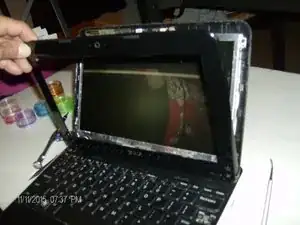
Remove the battery from the device. Locate the two rubber pieces at the bottom of the screen and remove them. Stick them to the laptop to replace later. Remove the screws located behind the rubber pieces and place screws in container/Ziploc bag to avoid losing them. Carefully remove the plastic casing from the device.
-
-
-
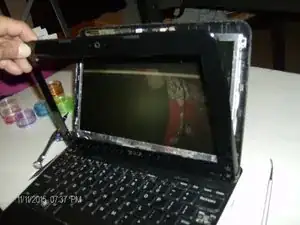
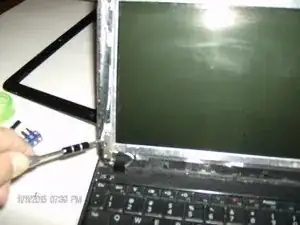
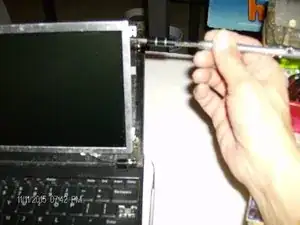
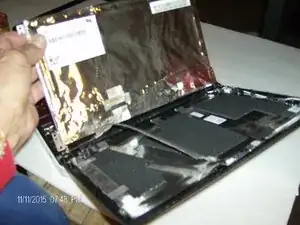
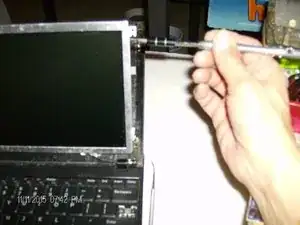
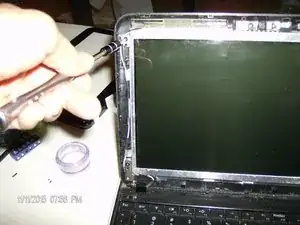
Locate and remove four screws on each corner of the screen. Place screws in container/ziploc bag. Then remove the screws located on the side of the screen. Carefully unplug the ribbon on the back of the screen.
-
-
-
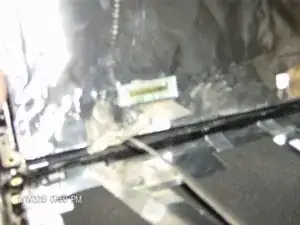
Locate and carefully unplug the clear ribbon from the back of the screen. Place the new screen onto the device and plug the ribbon in. Replace the screws on the side of the screen.
-
-
-
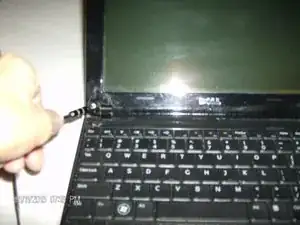
Screw the new screen back onto the lid of the device in each corner, and snap plastic plate back on. Replace the two screws and the rubber pieces at the bottom of the screen. Turn the device on.
-
To reassemble your device, follow guide instructions.
