Einleitung

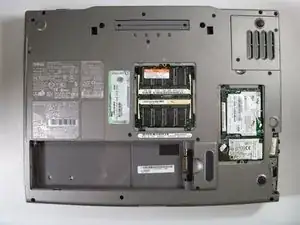
First you must remove the hinge cover than keyboard lower case and finally have access to the cooling fan.

  1. H5bBYX1QTDXQvO15
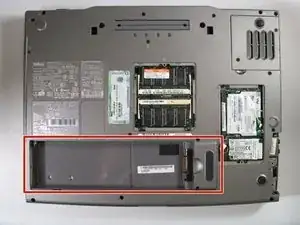
    • Remove the battery from the bottom of the laptop.

    • Please click on the following link for further instruction on how to remove the battery. Dell Inspiron 9100 Battery Replacement

    • It is important to remove the battery so that you will not be electrocuted while working with the computer's hardware.

  2. QFKLeZhedASYrsb2
    QFKLeZhedASYrsb2
    HPXuHjYbEUT53Orq
    hd2L2DBDMcRJ6FJN
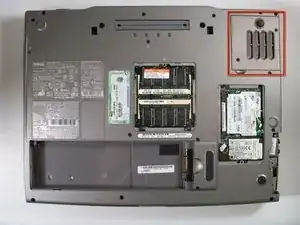
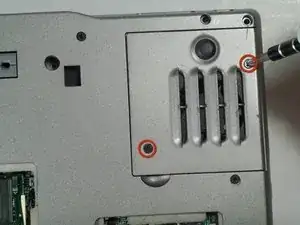
    • Remove the screws on the top right of the bottom of the laptop.

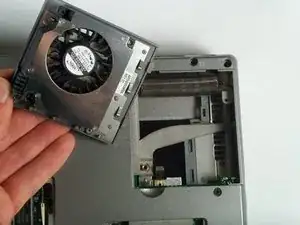
    • Once screws are removed, the fan can easily be slid out of its position.

Abschluss

To reassemble your device, follow these instructions in reverse order.

John Nesthus

Mitglied seit: 13/04/11

186 Reputation

0 Kommentare