Einleitung

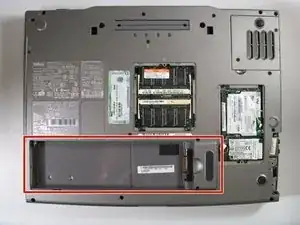
If your battery is failing to charge or won’t hold a charge any longer, follow this guide to replace the battery of your Dell Inspiron 8600.

Be sure to unplug your computer and turn off the device prior to beginning your repair.
  1. H5bBYX1QTDXQvO15
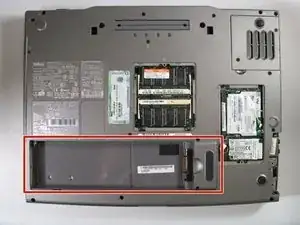
    • Remove the battery from the bottom of the laptop.

    • Please click on the following link for further instruction on how to remove the battery. Dell Inspiron 9100 Battery Replacement

    • It is important to remove the battery so that you will not be electrocuted while working with the computer's hardware.

Abschluss

To reassemble your device, follow these instructions in reverse order.

Perry

Mitglied seit: 13/04/11

251 Reputation

0 Kommentare