Einleitung
Before starting, please:
- make sure nothing is attached (such as AC adapter, USB, VGA, audio jack).
- remove any inserted SD card.
Werkzeuge


-
-
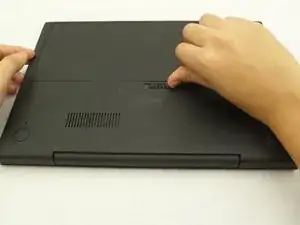
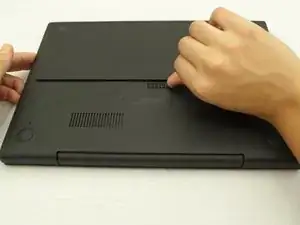
Slide the switch on the bottom of the laptop until the battery pops out.
-
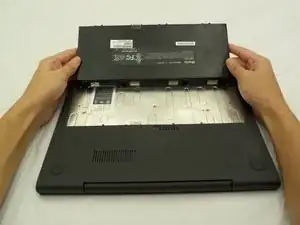
Once the battery pops out, you can remove it.
-
-
-
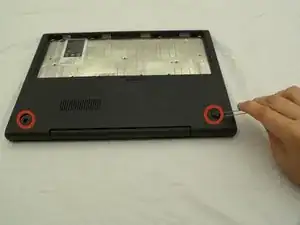
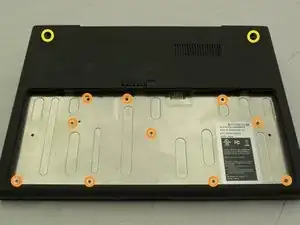
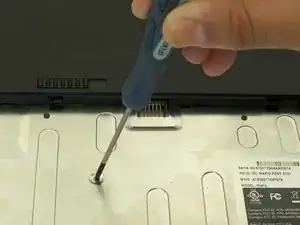
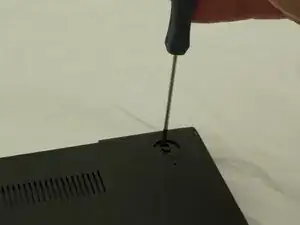
Using a Phillips head #00 Screwdriver, remove a total of 12 screws:
-
10 screws in the battery compartment.
-
size ph#00, approximately 3 mm long
-
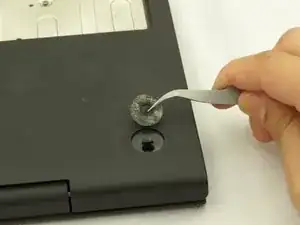
2 screws under the rubber feet previously removed
-
Size ph#00, approximately 4.5 mm long
-
-
-
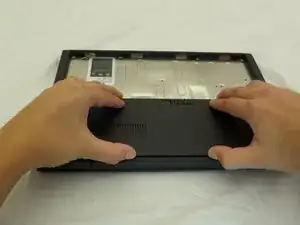
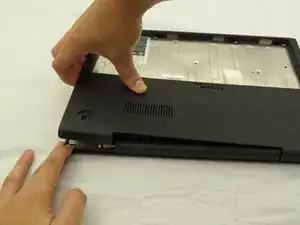
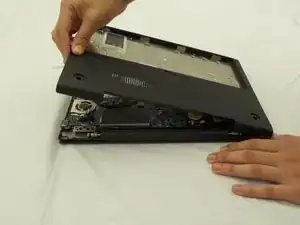
Starting where the body of the laptop and the laptop screen meet, pry apart the lower case from the rest of the laptop.
-
-
-
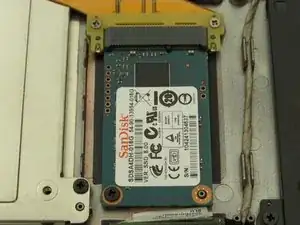
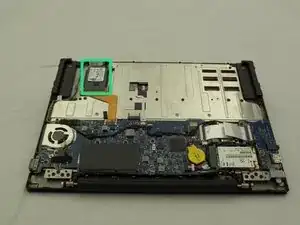
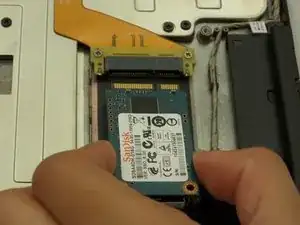
Find the SSD located on a corner of the side directly opposite where the laptop screen and device body are connected.
-
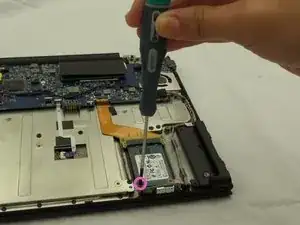
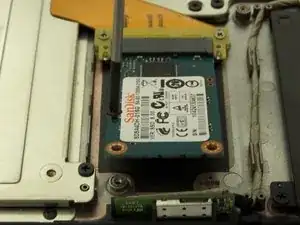
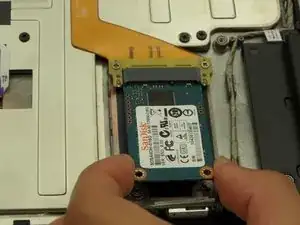
Remove one black screw on the SSD using a PH #00 screwdriver.
-
Size ph#00, approximately 3 mm long.
-
To reassemble your device, follow these instructions in reverse order.
