Einleitung
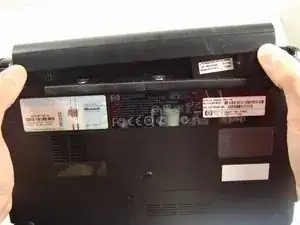
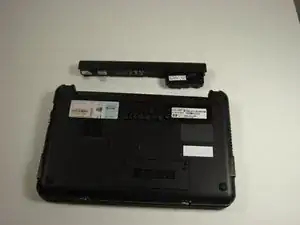
Use this guide to access and replace your RAM. Assembly is reverse of disassembly. Consider utilizing an electrostatic discharge strap to protect components from damage. Disconnect all power sources and remove the battery pack before beginning this repair.
Werkzeuge

Ersatzteile
-
-
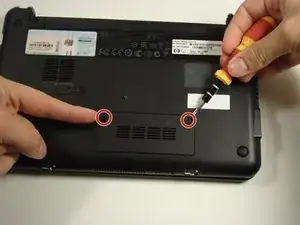
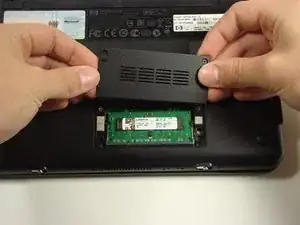
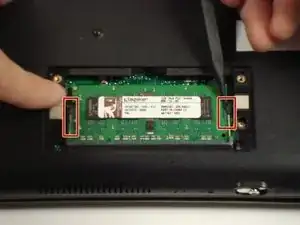
Use a Philips #0 screwdriver to unscrew the two screws covering the memory compartment on the bottom of the laptop and remove the cover.
-
Abschluss
To reassemble your device, follow these instructions in reverse order.
