Einleitung


-
-
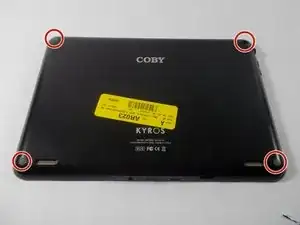
Remove Anti-slip pads from all four corners of the back of the device.
-
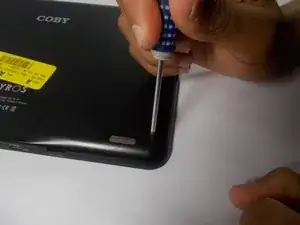
Use Phillips #0 Precision screwdriver to remove the four screws from the back cover (screws are about 1/8'').
-
-
-
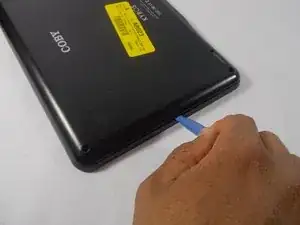
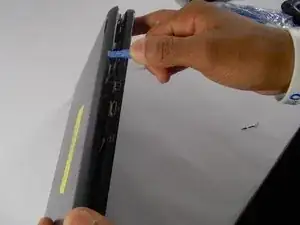
Gently use the iFixit opening tool to pry the back cover apart from the front.
-
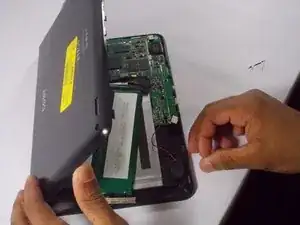
After you have opened the cover, use your hands to open the tablet like a book.
-
-
-
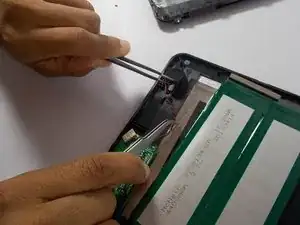
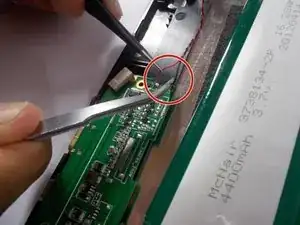
Desolder the red and black speaker wires from the circuit board. Wie man Lötverbindungen herstellt und entlötet
-
Gently remove the speakers from the tablet.
-
When replacing the speaker, remember the red wire connects to positive and the black wire connects to negative.
-
Abschluss
To reassemble your device, follow these instructions in reverse order.
