Einleitung

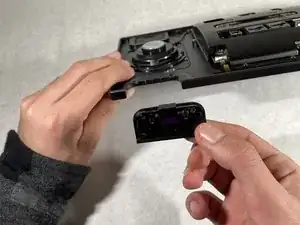
If your Cisco Meraki MC74-HW phone holder is broken or the plastic sensor cover piece is missing, use this guide to replace it. The phone holder is necessary so the phone covers the sensor and the device realizes that it needs to end the call.

  1. SjU33dFFSVmuuQfC
    SjU33dFFSVmuuQfC
    wVwFZKIOZWrCTKJE
    VXNFnu6NcEoPPlTk
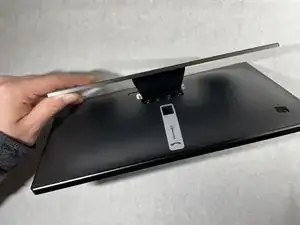
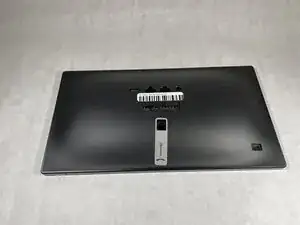
    • Extend the stand as far away as possible from the device.

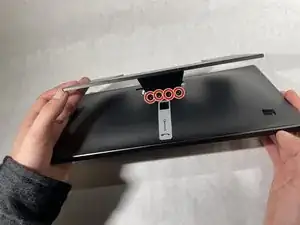
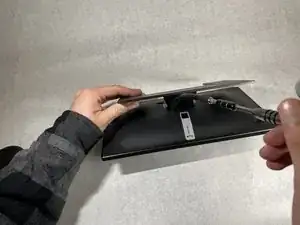
    • Remove all four 3 mm Hex 2 screws from the stand.

    • A bit with a flexible extension may be needed to remove these screws.

  2. YmlujEiydWNZhYDA
    YmlujEiydWNZhYDA
    EFqSB5f1HfWDsCAX
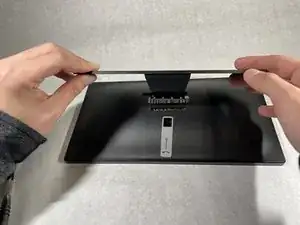
    • Lift the stand off the device.

  3. BuWWP4bBIAUWgPhD
    BuWWP4bBIAUWgPhD
    5PvknkWSmlhgHkSy
    iyqcBKIAdelATQJS
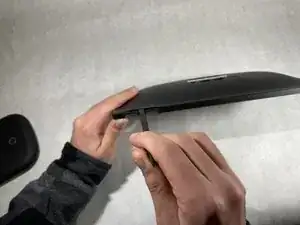
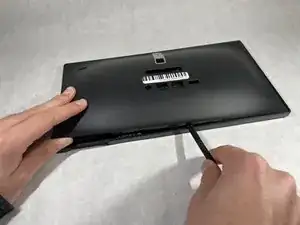
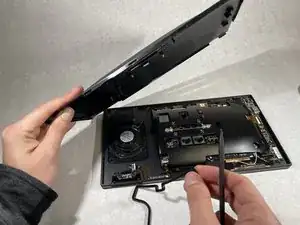
    • Insert a plastic spudger between the back housing cover and the sensor cover piece.

    • Work your way slowly around the edges of the device until all the clips have been unclipped.

    • Do not insert any tool recklessly into the device or you might damage wires and connections.

  4. CeWUuQESvkWXfOZ4
    CeWUuQESvkWXfOZ4
    MRupPcYDKSuPAKKb
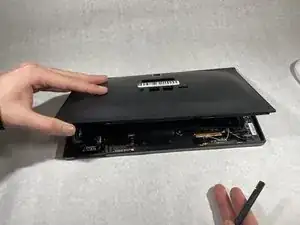
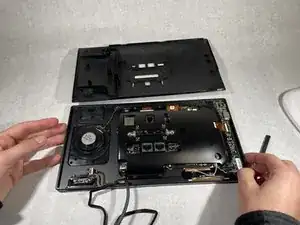
    • Separate the back housing cover from the device completely.

  5. eVAlUJNZNv2HWjSj
    eVAlUJNZNv2HWjSj
    COKAZE5lDaEc1k6J
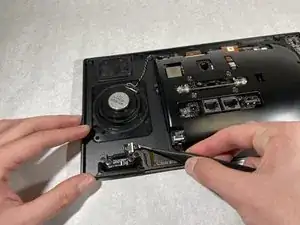
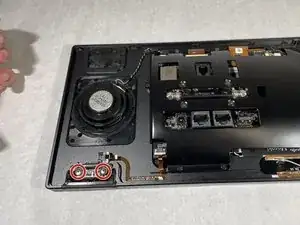
    • Disconnect the ribbon from the phone sensor board using a pair of reverse tweezers.

    • Electronic ribbons are very fragile, so pull slowly to disconnect them.

  6. LZcBl5orG3ddmYsk
    LZcBl5orG3ddmYsk
    KqA3YAbl2sVoTIT1
    qErO5wVbhxEbIuKO
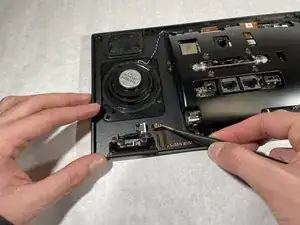
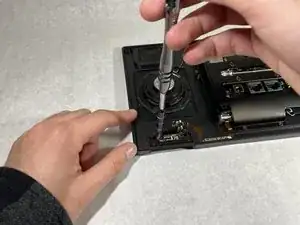
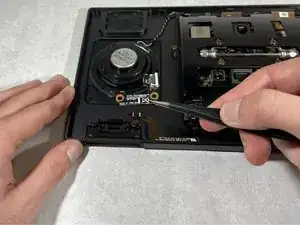
    • Remove the two 1.2 mm screws holding the phone sensor using a Phillips #0 screwdriver.

    • Carefully lift the phone sensor to remove it from the device.

  7. GHPUGKZ6YJBRxVXq
    GHPUGKZ6YJBRxVXq
    v2FYqkITmSulAuXF
    jbw2nOUvPAhobbGS
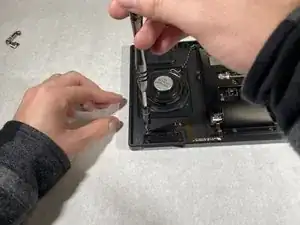
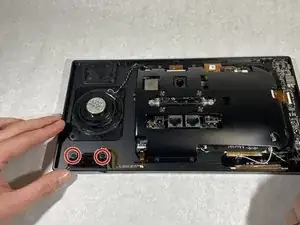
    • Remove the two 1.2 mm screws using a Phillips #0 screwdriver.

    • Remove the sensor cover.

Abschluss

To reassemble your device, follow these instructions in reverse order.

Anthony Kairouz

Mitglied seit: 18/10/21

253 Reputation

0 Kommentare