Einleitung
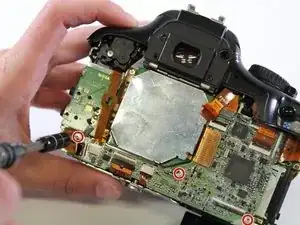
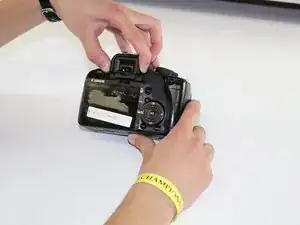
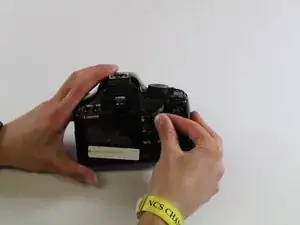
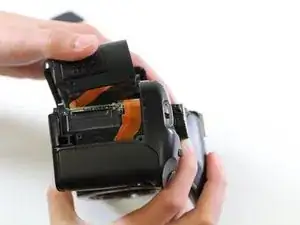
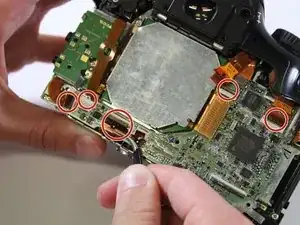
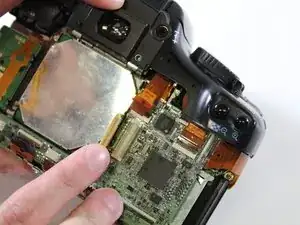
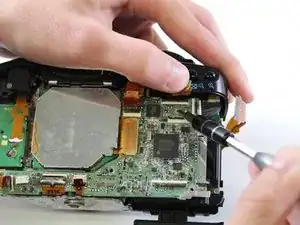
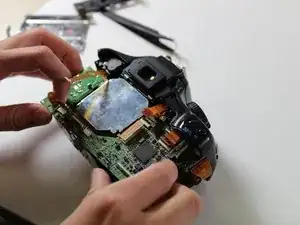
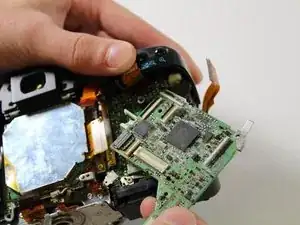
This replacement guide shows how to remove the camera's motherboard, located on the back side of the camera. The back panel must be removed to access this component.


-
-
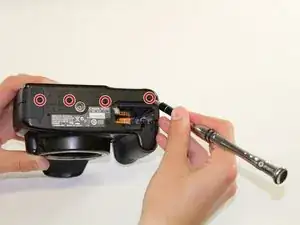
Using the PH000 screwdriver head, remove the four 4 mm screws on the bottom of the camera.
-
-
-
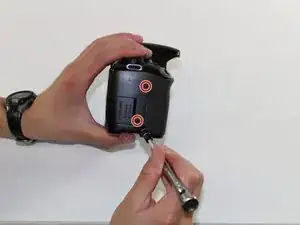
Using the PH000 screwdriver head, remove the two 3mm screws on the right side of the camera (from the LCD screen).
-
-
-
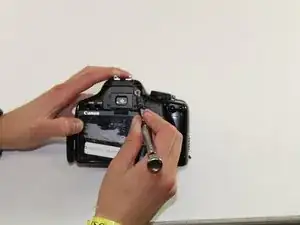
Using the PH000 screwdriver head, remove one 4 mm screw on the left side of the camera (from the LCD screen).
-
-
-
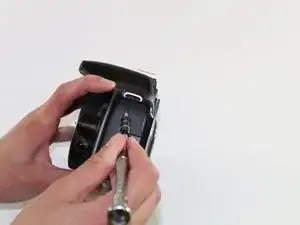
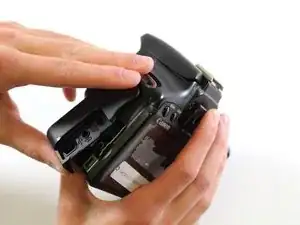
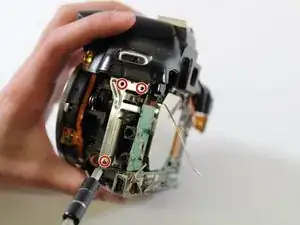
Using the PH00 screwdriver head, unscrew the three 3mm screws on the left side of the camera.
-
Abschluss
To reassemble your device, follow these instructions in reverse order.
