Einleitung
The purpose of this guide is to provide instruction on how to replace a key on your keyboard.
Werkzeuge

-
-
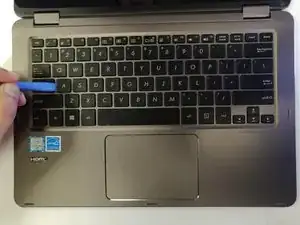
Open laptop and insert opening tool underneath the key.
-
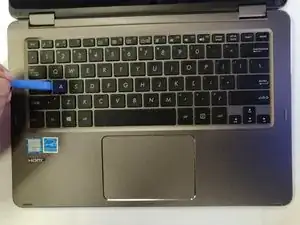
Gently pry key cap up and away from laptop .
-
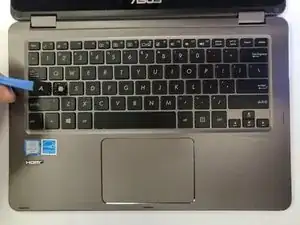
Remove key from keyboard.
-
Abschluss
To reassemble your device, follow these instructions in reverse order.

Ein Kommentar
How can I fix my laptop, when open it, it flops backwards and cannot turn to tablet mode