Werkzeuge


-
-
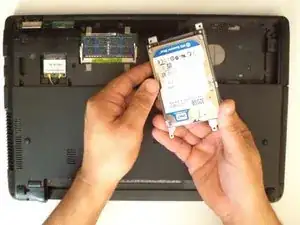
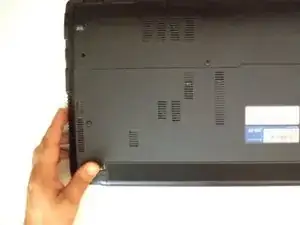
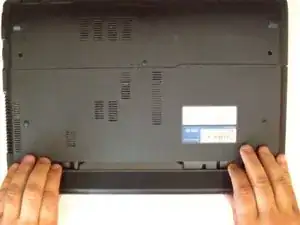
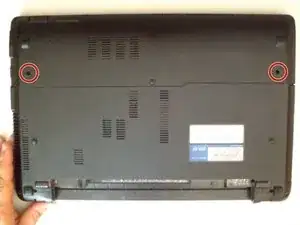
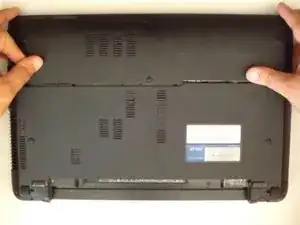
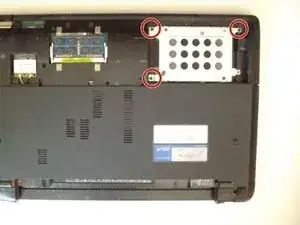
The HDD caddy iz secured by three Phillips screws. Remove them.
-
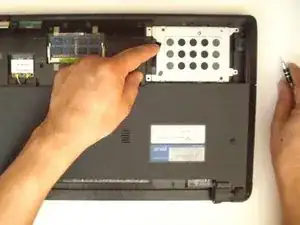
Use the black tape near to the SATA connector to slide and remove the HDD.
-
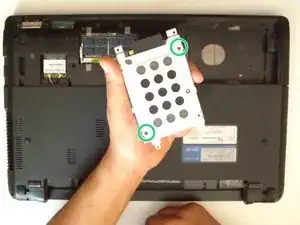
To remove the hard disk from the HDD caddy, unscrew the 2x Phillips screw.
-
-
-
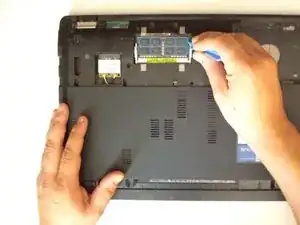
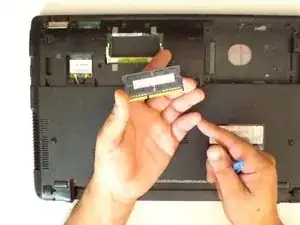
There is one expansion slot for a memory module:
-
SO DIMM 204-pin, DDR3 SDRAM, 1333 MHz
-
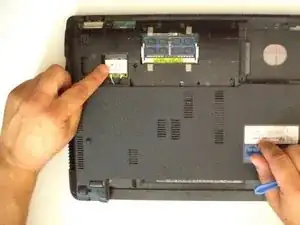
Under the HDD cover is also the Wi-Fi card.
-
Abschluss
To reassemble your device, follow these instructions in reverse order.
2 Kommentare
Bonjour,
Le Portable ASSUS X54C peut-il supporter 8Go de RAM alors qu’au départ, il en a 4 Go ?
merci pour le tuto.
CR (rousselclaude0995@orange.fr)
Bonjour, oui il peut aller jusqu'à 8Go maximum.
Brendan -