Einleitung


-
-
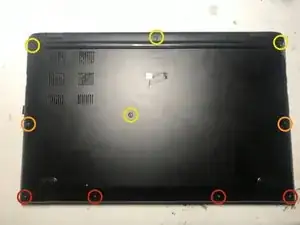
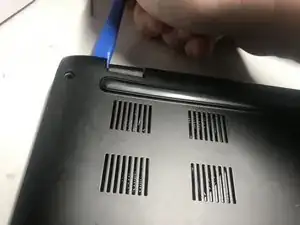
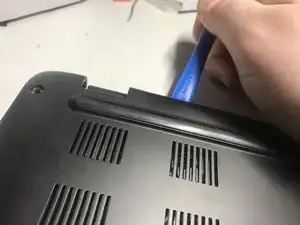
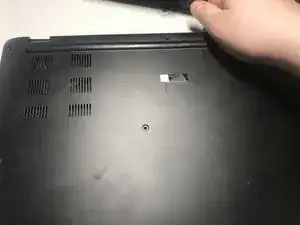
Start by removing the marked screws
-
Remove the four 6mm screws
-
Remove the two 8mm screws
-
Remove the four 9mm screws
-
-
-
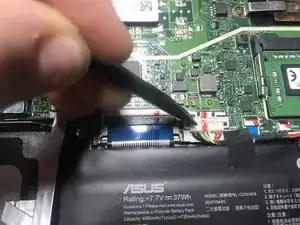
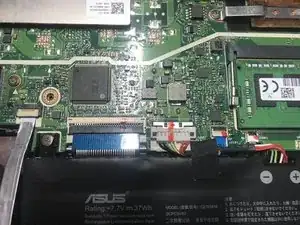
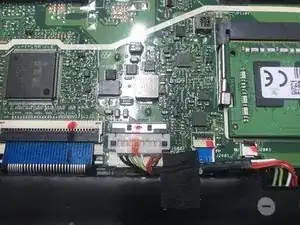
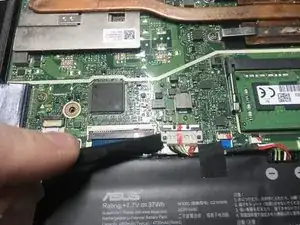
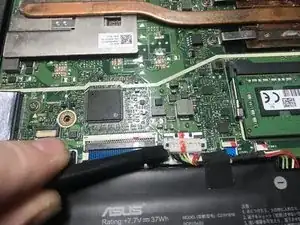
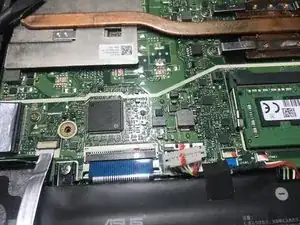
Using a fingernail or spudger move back the retaining clip holding the battery connector in place.
-
-
-
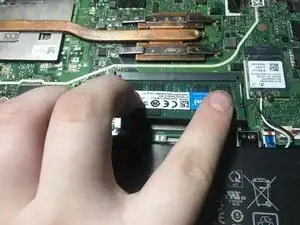
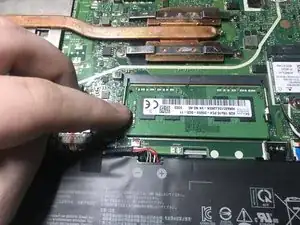
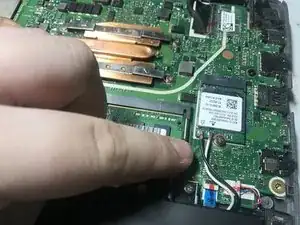
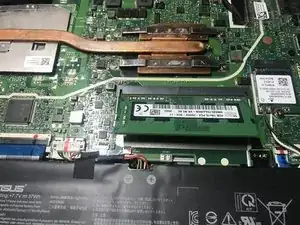
First, push down the clips at the side of the memory. Once you have, the memory module should pop up. You can now remove the memory module.
-
-
-
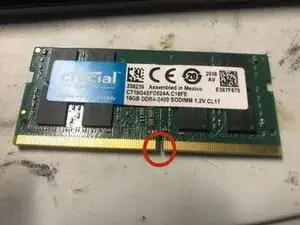
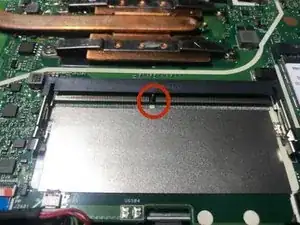
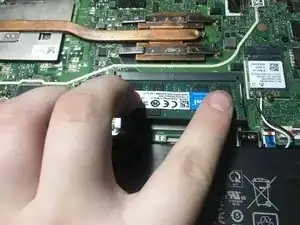
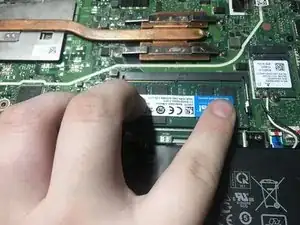
Line up the notch on the new memory module with the notch on the slot and insert the module.
-
Abschluss
To reassemble your device, put the bottom back on and re-install the screws.