Einleitung
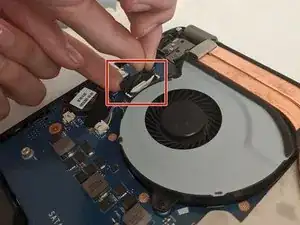
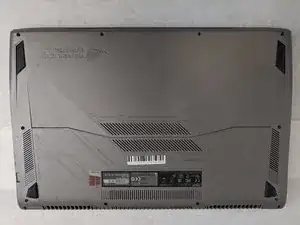
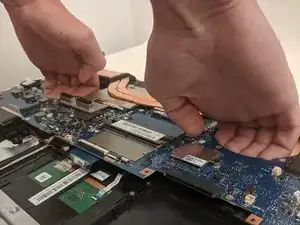
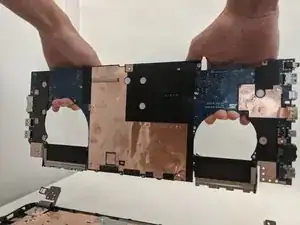
This is a step-by-step walkthrough on how to remove the motherboard from an ASUS Republic of Gamers STRIX GL702VS laptop. If it has been determined that the motherboard is failing, consult this guide for removal and replacement.
Werkzeuge


-
-
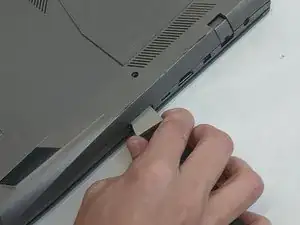
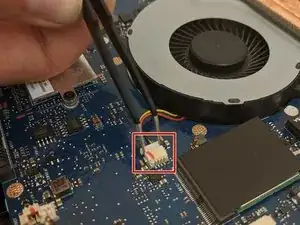
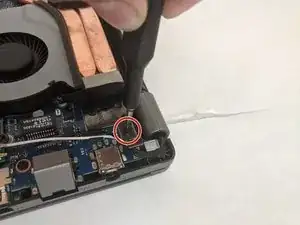
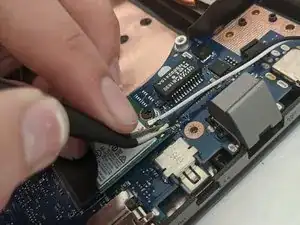
Disconnect the Wi-Fi antenna by unplugging the black and white wires located behind the ethernet port.
-
-
-
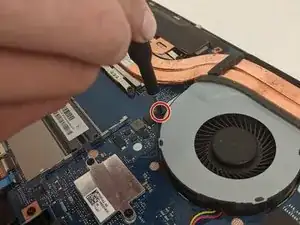
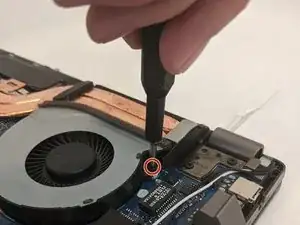
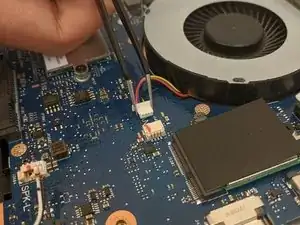
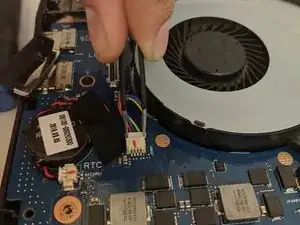
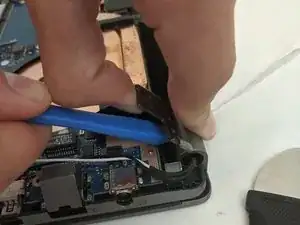
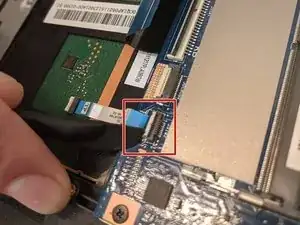
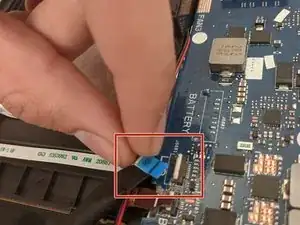
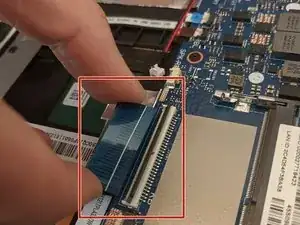
Use a spudger tool to lift the connector tabs on the motherboard and slide the four ribbons out.
-
Abschluss
To reassemble the device, follow these instructions in reverse order.

Ein Kommentar
Any recommendation on WHERE to get a replacement mobo for this unit? Not having any luck in tracking one down.
help -