Einleitung
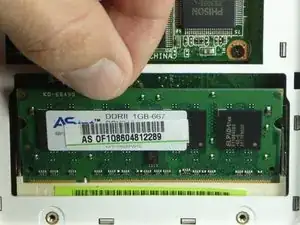
RAM acts as temporary storage on your device that will occasionally fault or run out of memory. If you need to replace or install new RAM on your Asus Eee PC 900, follow the directions below. Before beginning, make sure the device is powered off and is not connected to any power source.


Ersatzteile
-
-
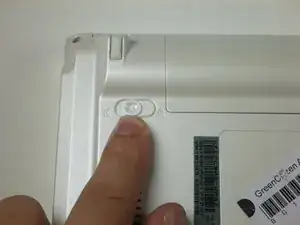
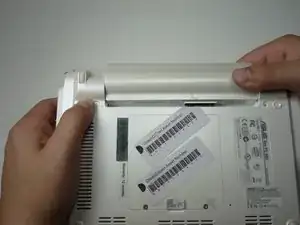
Slide the battery's locking tabs from the locked position to unlocked positions.
-
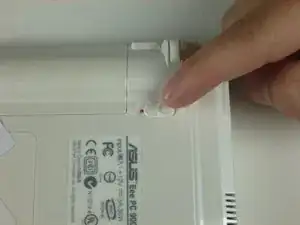
The right tab is unlocked when a red dot is showing.
-
The left tab will have to be held in the unlocked position in order to release the battery.
-
-
-
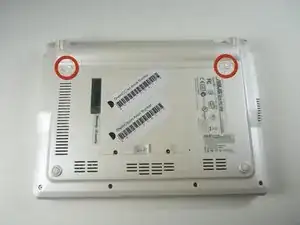
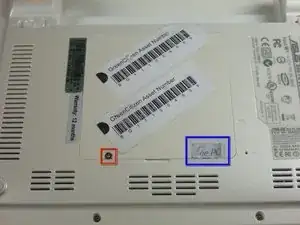
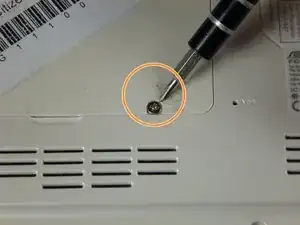
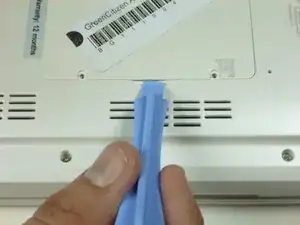
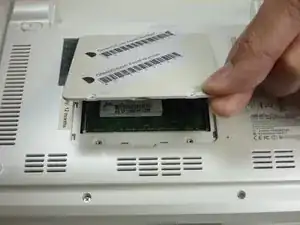
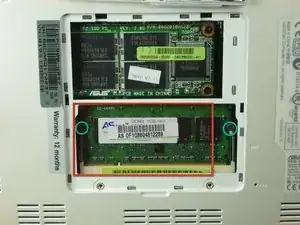
Identify the RAM and hard drive compartment on the back of the laptop and locate the two screws holding it in place.
-
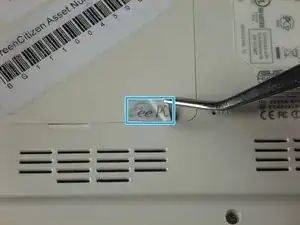
There may be a sticker covering one of the screws. If not, proceed to step 5.
-
-
-
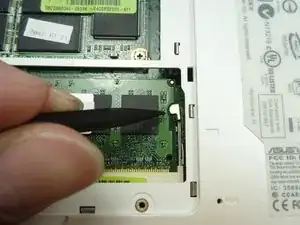
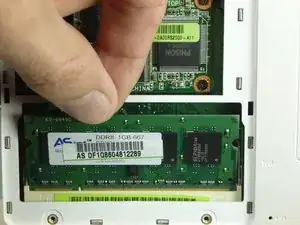
Use a spudger to push the end of the small metal clip on the right towards the right.
-
Now push the end of the small metal clip on the left towards the left.
-
To reassemble your device, follow these instructions in reverse order.
