Einleitung
This guide will show how to replace the LCD screen for the device. Note that the screen is only one piece of the total display, for which there is another guide.
Werkzeuge


-
-
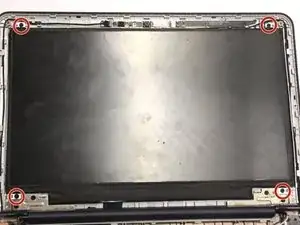
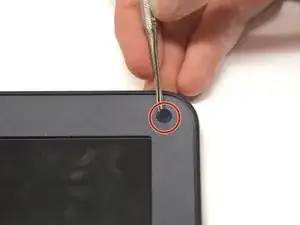
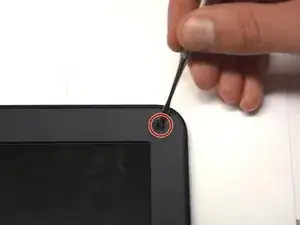
Using a flat blade, remove the two screw covers on the front of the bezel. They are attached by adhesive, so you may have to dig at it a little bit.
-
-
-
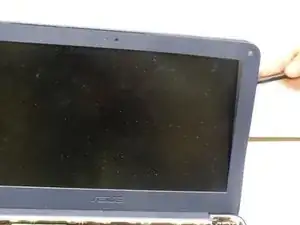
Using the plastic opening tool, carefully pry off the bezel. It will come off entirely, so be careful not to break it.
-
-
-
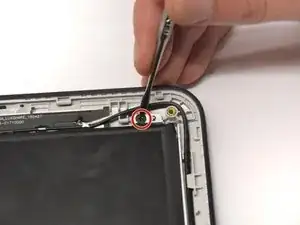
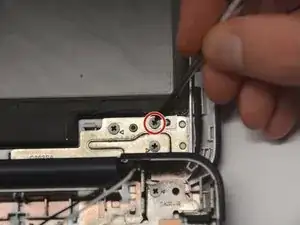
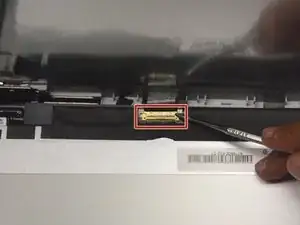
Fold down screen and remove the screen connector band. You may have to use a small flat blade or a spudger, since the latch is very small.
-
Abschluss
To reassemble your device, follow these instructions in reverse order.

this is poo it dont work dont buy it waste of money bad asus or should i say anus?
jodete a tu madre.
im mexican this didnt help me getting over trumps wall so f you
Kevin Stolpe -