Einleitung
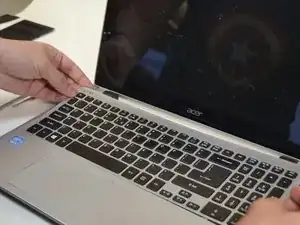
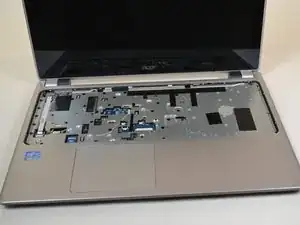
This guide will show how to replace the keyboard on a Acer Aspire V5-571P-6815 laptop.
Werkzeuge


-
-
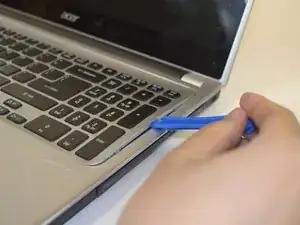
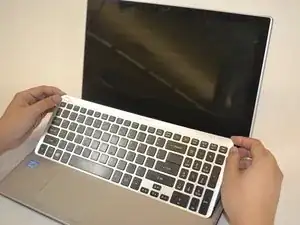
Insert a plastic opening tool underneath the keyboard and pry upwards.
-
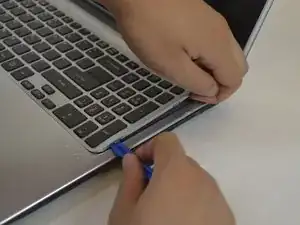
Slide the plastic opening tool around the perimeter to free the keyboard.
-
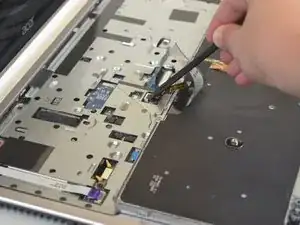
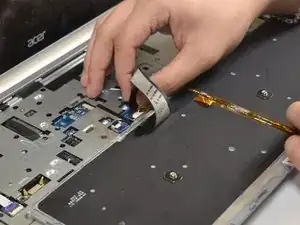
Flip the keyboard over and onto the palm rest.
-
Abschluss
To reassemble your device, follow these instructions in reverse order.

Ein Kommentar
This guide is wrong. All keyboard sold online come without the frame and replacing the keyboard is actually a very tedious process as it’s attached with melt plastic.