Einleitung
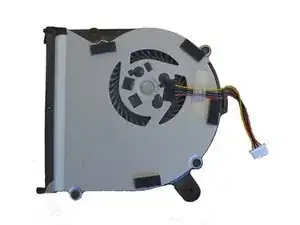
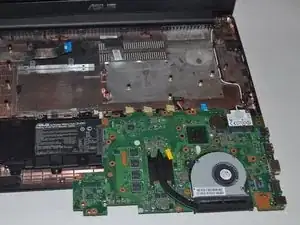
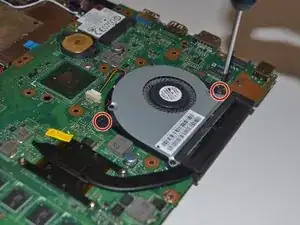
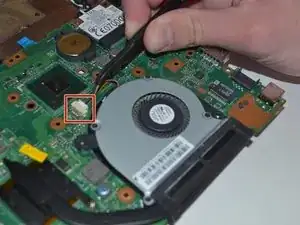
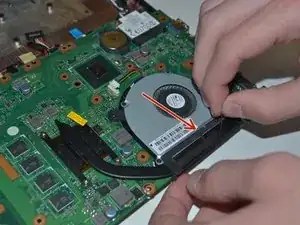
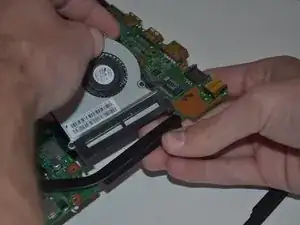
It is possible that your fan has stopped working due to physical or electrical damage. A replacement fan will need to be purchased. After purchasing a new fan follow these steps to replace the broken fan of your ASUS X502CA.


Ersatzteile

-
-
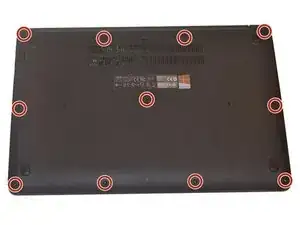
Remove all eleven Phillips screws located on the bottom of the laptop using the Phillips #00 screwdriver.
-
-
-
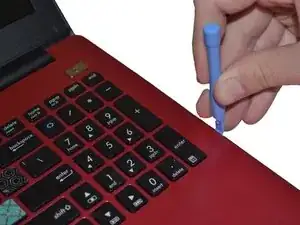
Remove the keyboard cover panel by using the Plastic Opening Tool to carefully pop off the clips around the parameter.
-
-
-
Lift the keyboard cover carefully.
-
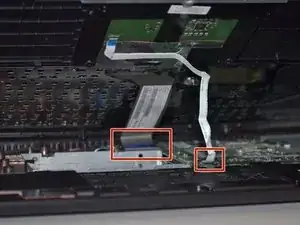
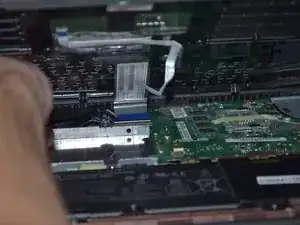
Disconnect the keyboard and touch-pad ribbons using tweezers.
-
-
-
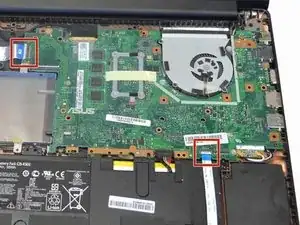
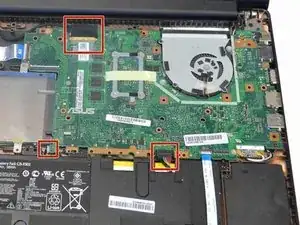
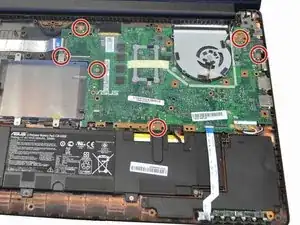
Fold up the black plastic arms securing the cables and disconnect them using tweezers or finger nails.
-
Abschluss
To reassemble your device, follow these instructions in reverse order.

2 Kommentare
Great tutorial.
Thanks Bro! :)