Einleitung
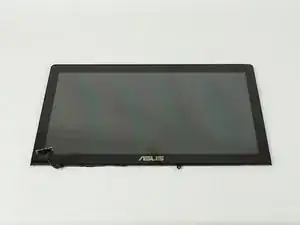
This guide will show you how to replace the screen on a Asus N550JK-DS71T laptop.


-
-
Turn the laptop off and unplug all cables.
-
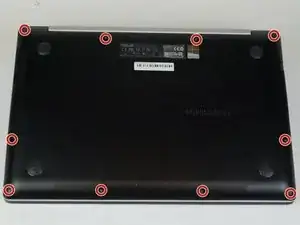
Flip over so the bottom is facing you.
-
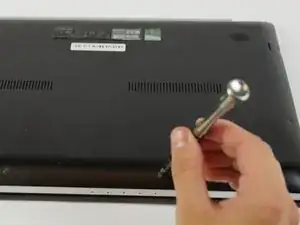
Remove the ten 3mm Torx T5 screws from the bottom cover.
-
-
-
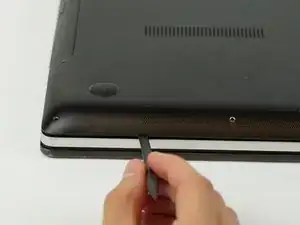
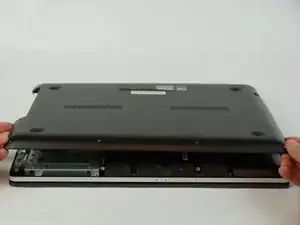
Use a spudger to wedge between the laptop and bottom cover—lift upwards to pry open.
-
Run the spudger along the perimeter of the bottom cover to remove.
-
-
-
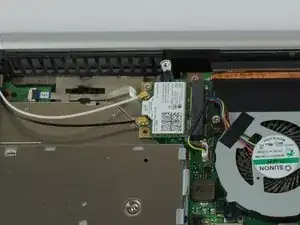
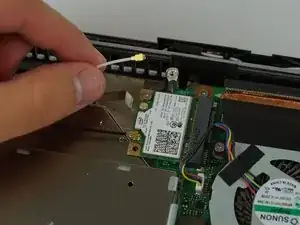
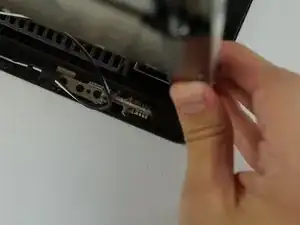
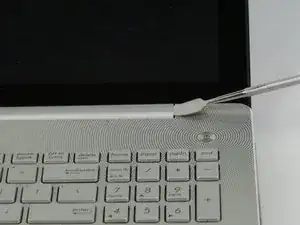
Open then close the laptop to separate the metal hinges between display and base.
-
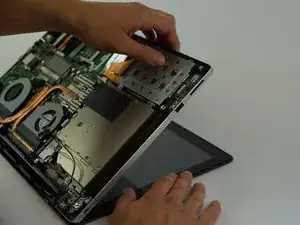
Open the laptop again then gently remove the base of the laptop from the display.
-
-
-
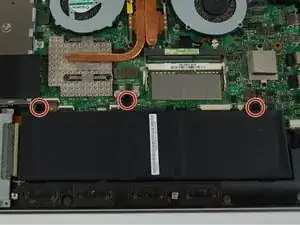
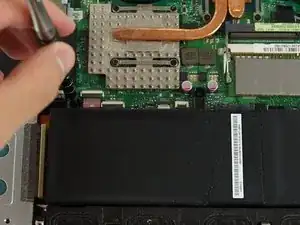
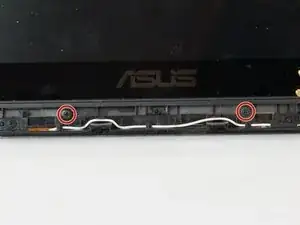
Remove the two 4mm black Phillips #0 screws from the bottom of the display.
-
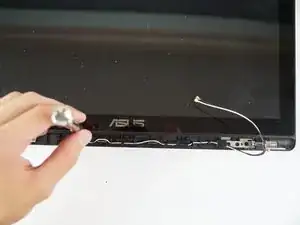
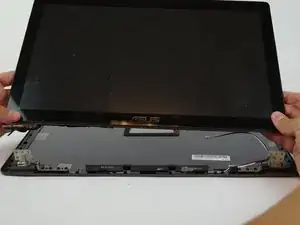
Slide the screen to the bottom of the display to disengage the mounting clips.
-
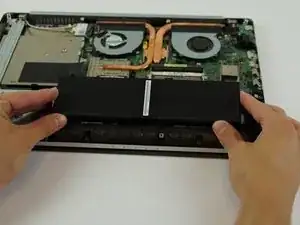
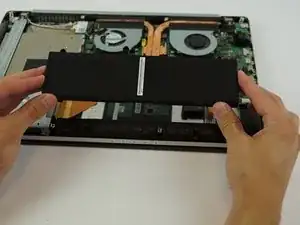
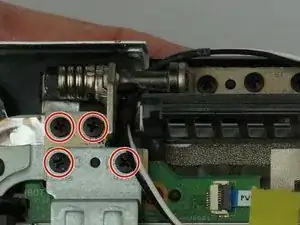
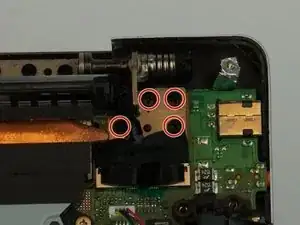
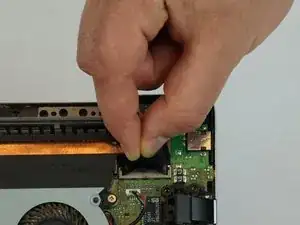
To reassemble your device, follow these instructions in reverse order.

2 Kommentare
What is the screen model? I need it to buy a separate controller to use the laptop screen as an external monitor
Thanks a lot, I’ve just replaced the flaky screen cable on my N550JK that was causing the screen to turn off frequently while using the laptop. Only cost 12€ to get a new one and my laptop is now fixed thanks to your guide! :)
Benoit V -