Einleitung
If your laptop has a dead CMOS battery and the OEM no longer sells new CMOS batteries (and aftermarket ones are hard to find), it is possible to take the dead battery apart and replace the cell so your laptop holds the CMOS contents again.
IMPORTANT: This procedure is only recommended for older notebooks which replacements aren’t common, or readily available. If a pre-built replacement can be purchased, it's better to replace it as the cost is similar. This approach is somewhat error-prone, and can create the same issue if the tape fails.
Guide notes:
- The cell does not need to be covered 100%. However, every visible area of the cell must be protected. Liquid electrical tape is used to do this since it can be removed if something goes wrong.
- Laptop disassembly is not covered. Every laptop is different, so yours probably varies from the one this was pulled from.
- This guide ONLY applies to coin cell rebuilds. Do not use this guide for other batteries.
- When adding tape to the cell, do not create a direct short. To avoid this, place the tabs slightly higher than the factory and cut the tape sorter then you need.
Werkzeuge
Ersatzteile


-
-
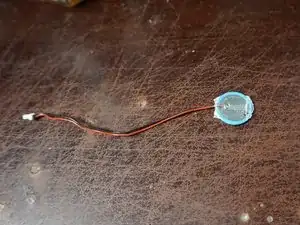
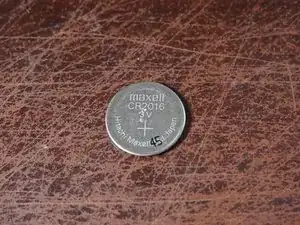
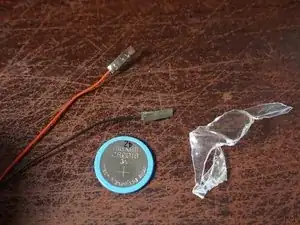
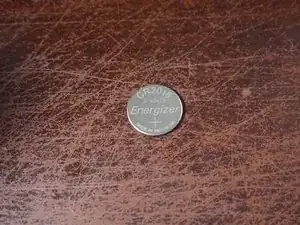
Take the battery apart and check out what cell you need. This may be difficult depending on the wrap used.
-
-
-
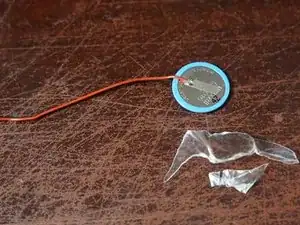
After purchasing a battery, disassemble the CMOS battery. Use caution not to bend the tabs a lot. Too much damage may make them unusable.
-
Break the tabs off of the old battery. Recycle the dead cell depending on your local laws.
-
-
-
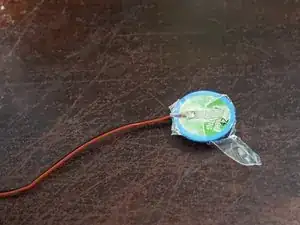
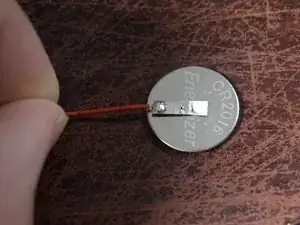
After the polarity has been matched, tape the leads to the new cell. Do this for both sides. Start on the + side and cut the tape to fit comfortably. Doing this side first reduces the risk of error.
-
-
-
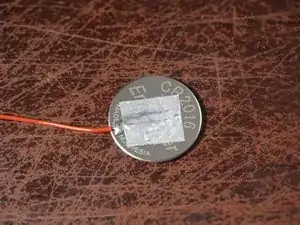
After verifying both leads are securely held onto the new cell, apply liquid electrical tape to the battery. 2 thin coats are recommended. If applied thick, only use one.
-
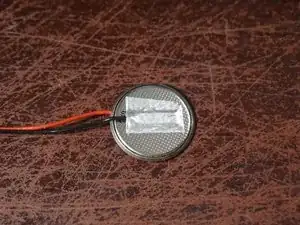
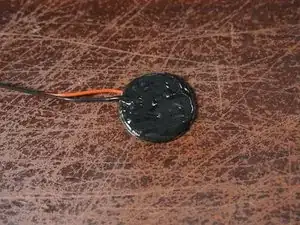
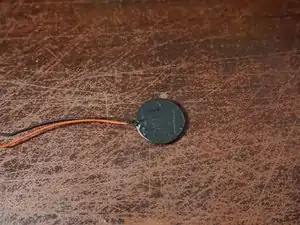
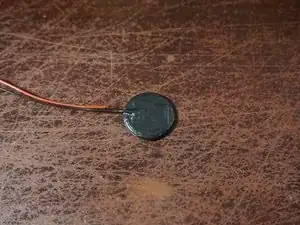
After building the replacement cell, install it in the notebook. Verify the battery works by setting the BIOS, powering it off and then removing the battery/AC adapter. If the CMOS memory is retained, your battery works.